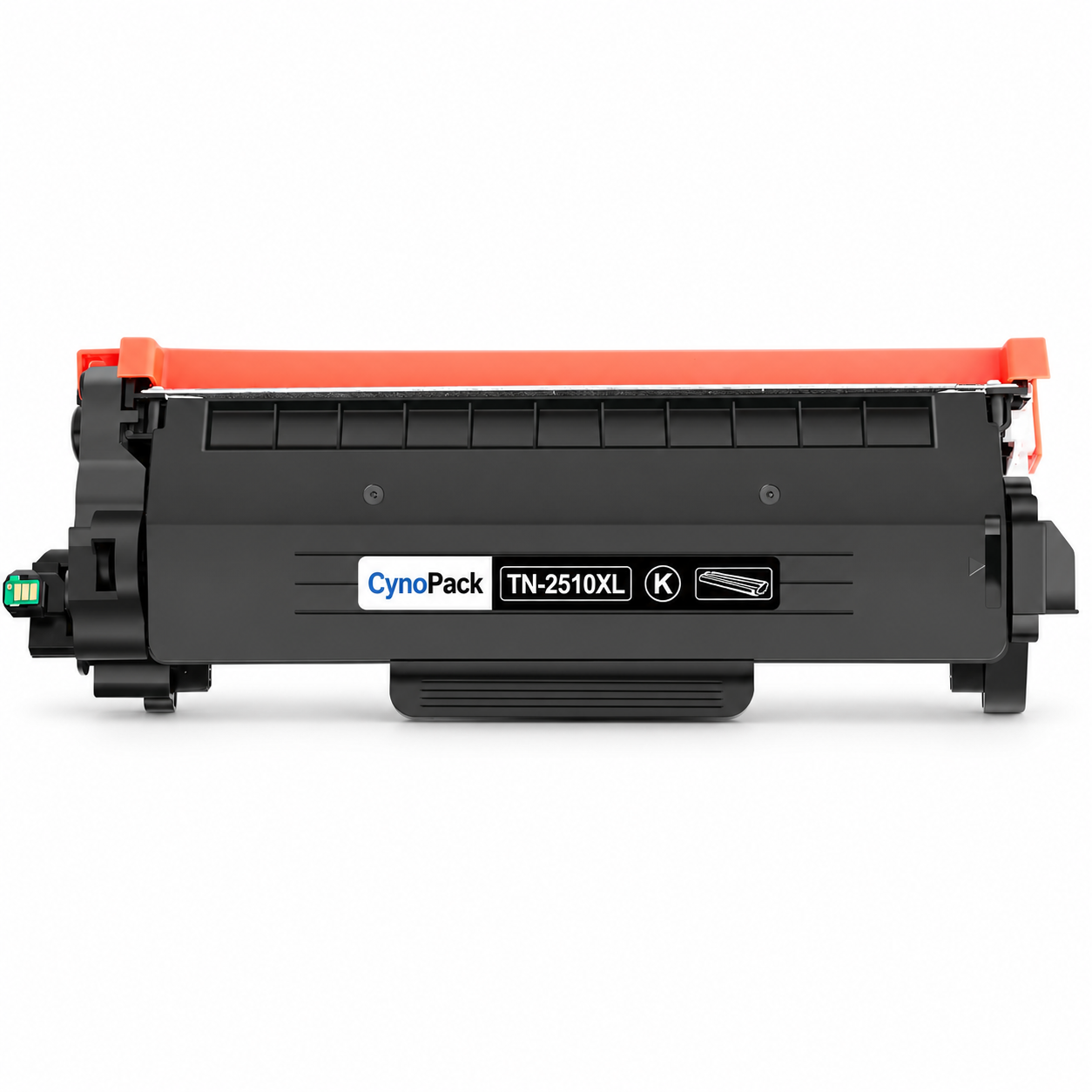
The Cynopack Compatible Brother TN2510XL Black Toner Cartridge is a high-yield replacement for selected Brother monochrome laser printers. Supplied as one black toner cartridge with an installed chip, it is designed to provide clear text and consistent black output for routine printing at home, at work or in an educational setting.
With an estimated yield of up to 3,000 pages under ISO/IEC 19752 test conditions, TN2510XL provides a higher-capacity alternative to standard TN2510 toner, which is rated for up to 1,200 pages. The higher yield can reduce replacement frequency for customers who print regularly.
Actual page yield varies according to page coverage, document type, print-density settings, printer condition and usage. Pages containing large black areas, graphics or heavy text coverage use more toner than the standard test pages and may produce a lower total.
This product contains the toner cartridge only. It does not include the Brother DR2510 drum unit. Brother printers in this range use separate toner and drum components, so check the message shown by your printer before ordering a replacement.
TN2510XL toner versus DR2510 drum
| Component | Function | Replace when |
|---|---|---|
| TN2510XL toner cartridge | Contains the black toner powder used to create printed text and images | The printer reports Replace Toner, Toner Ended or a low-toner warning |
| DR2510 drum unit | Transfers the toner image onto the page | The printer reports Replace Drum, Drum End Soon or print defects remain after toner checks |
The toner cartridge fits into the drum unit during installation. Do not discard a working drum when only the toner has run out.
Installation overview
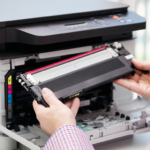
- Leave the printer switched on and open its front cover.
- Remove the combined drum-and-toner assembly.
- Press the release lever and lift the old toner cartridge out of the drum unit.
- Unpack the new Cynopack TN2510XL cartridge.
- Remove all clearly marked protective packaging and seals.
- Gently rock the toner from side to side if instructed on the product packaging.
- Insert it into the existing drum unit until it locks into position.
- Clean the corona wire using the drum unit’s slider, then return the slider to its home position.
- Reinstall the combined assembly in the printer.
- Close the front cover and allow the printer to become ready.
Do not touch the imaging drum surface, electronic chip or exposed toner areas. Follow the instructions supplied with the cartridge and the user guide for your exact printer model.
What is included?
- 1 × Cynopack compatible TN2510XL black toner cartridge
- Installed compatible chip
- Protective packaging for transport
Not included: printer, paper or DR2510 drum unit.
Page-yield information
The estimated yield is up to 3,000 pages under ISO/IEC 19752 test conditions. This is a comparison figure rather than a guarantee for every user.
Actual yield can vary because of:
- Page coverage
- Large fonts and bold text
- Graphics and shaded areas
- Print-density settings
- Printer maintenance and calibration
- Frequency and type of printing
Important product information
Cynopack compatible toner cartridges are third-party alternatives. They are not manufactured, sponsored or endorsed by Brother. Brother names, printer models and cartridge references are used only to identify compatibility.
Frequently asked questions
Is this an original Brother toner cartridge?
No. This is a Cynopack compatible replacement designed for use with the listed Brother printers.
How many cartridges are included?
The pack contains one black TN2510XL compatible toner cartridge.
How many pages can it print?
The estimated yield is up to 3,000 pages under ISO/IEC 19752 test conditions. Actual yield depends on print coverage, settings and usage.
Does it include a chip?
Yes. The toner cartridge is supplied with an installed compatible chip.
Does it include the DR2510 drum unit?
No. The TN2510XL toner and DR2510 drum are separate consumable components. This listing is for one toner cartridge only.
Can TN2510XL replace TN2510?
Yes, in the compatible printers listed above. TN2510XL is the higher-yield option, while standard TN2510 is rated for fewer pages.
What should I do if the printer does not recognise it?
Confirm the exact printer model, remove all protective material and reinstall the toner firmly in the drum unit. Make sure the drum-and-toner assembly is seated correctly and the front cover is fully closed. Contact Cynopack if the warning remains.