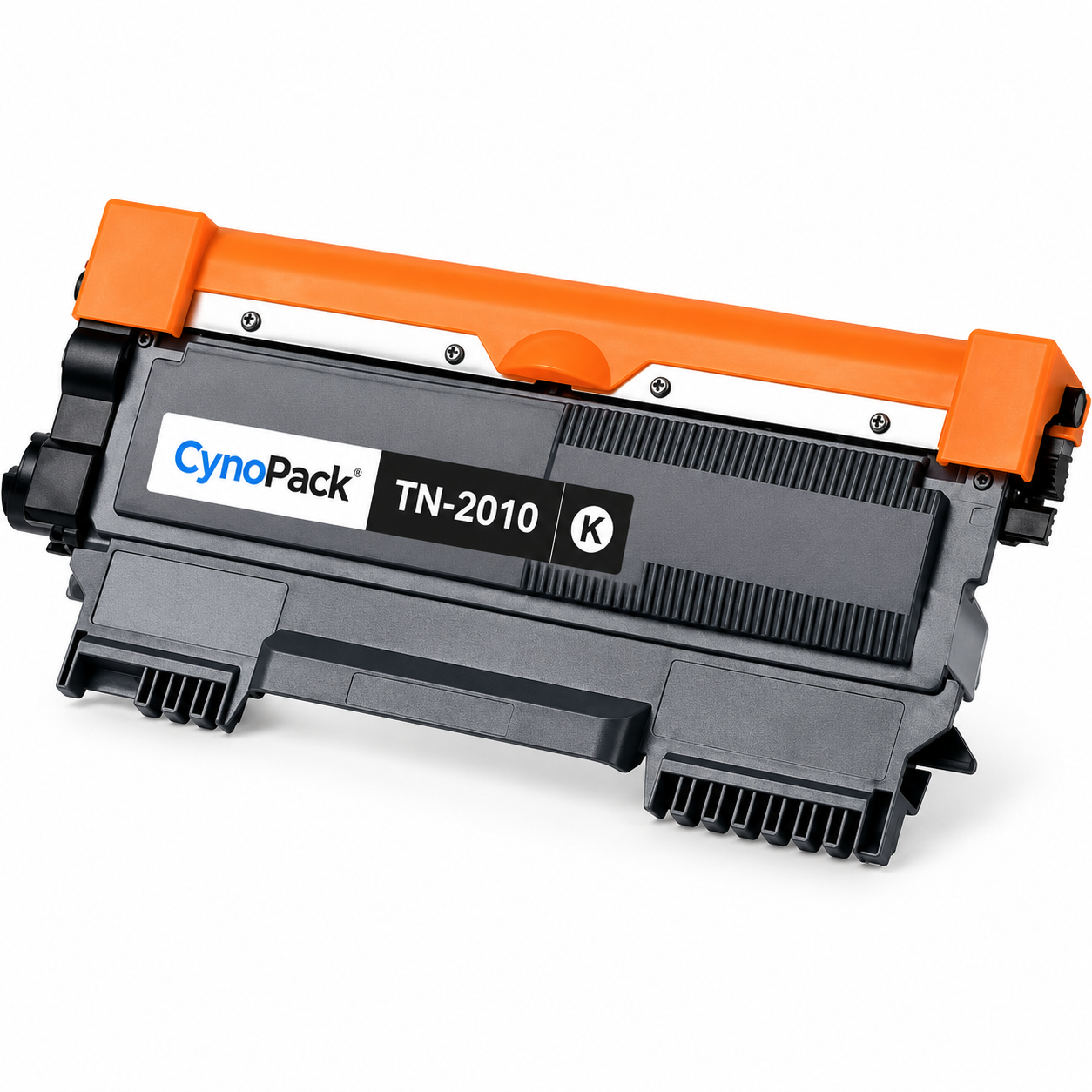
The Cynopack Compatible Brother TN2010 Black Toner Cartridge provides a practical replacement for selected Brother monochrome laser printers. It is designed for customers who need reliable black printing for routine household, educational and business documents.
Each pack contains one compatible TN2010 black toner cartridge with an estimated yield of up to 1,000 pages under ISO/IEC 19752 test conditions. Published page yield is a standard comparison figure rather than a guarantee for every print job. Actual results depend on page coverage, print-density settings, document type, printer condition and usage.
The cartridge is compatible with Brother DCP-7055, DCP-7055W, HL-2130, HL-2132 and HL-2135W printers. Confirm the complete printer model before opening the product, as similar-looking Brother machines may use different toner references.
This listing contains the TN2010 toner cartridge only. These printers use a separate DR-2200 drum unit, which is not included. Check the message displayed by the printer before ordering: a toner warning normally requires TN2010, while a drum warning may require DR-2200 instead.
TN2010 toner versus DR-2200 drum
| Component | Purpose | Typical replacement message |
|---|---|---|
| TN2010 toner cartridge | Holds the black toner powder used to print text and images | Toner Low, Replace Toner or Toner Ended |
| DR-2200 drum unit | Transfers the toner image onto the paper | Drum End Soon, Replace Drum or a drum-related warning |
The toner cartridge fits into the reusable drum unit. Do not dispose of a working drum when only the toner needs replacing.
How to install the TN2010 toner
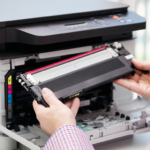
- Leave the printer switched on and open the front cover.
- Remove the combined drum-and-toner assembly carefully.
- Press the toner release lever on the drum unit.
- Lift the old toner cartridge out of the drum.
- Unpack the new Cynopack TN2010 cartridge.
- Remove all clearly marked protective packaging and transport seals.
- Gently rock the toner from side to side if directed by the supplied instructions.
- Insert it firmly into the existing DR-2200 drum unit until it locks into position.
- Slide the corona-wire cleaning tab from side to side several times.
- Return the cleaning tab to its home position.
- Reinstall the complete drum-and-toner assembly.
- Close the front cover and wait for the printer to become ready.
Do not touch the imaging drum surface, electrical contacts or exposed toner areas. Follow the user guide for your exact printer if its procedure differs.
What is included?
- 1 × Cynopack compatible TN2010 black toner cartridge
- Protective transport packaging
Not included: Brother printer, paper or DR-2200 drum unit.
Page-yield information
The estimated yield is up to 1,000 pages in accordance with ISO/IEC 19752 test conditions. Actual yield may be lower when printing pages with heavy text, bold headings, shaded areas, graphics or high toner-density settings.
Yield can also vary because of:
- Page coverage
- Document design
- Printer settings
- Printer condition
- Calibration and maintenance activity
- Frequency and type of printing
Why choose a Cynopack compatible toner?
- Affordable alternative for supported Brother printers
- One complete black replacement toner cartridge
- Suitable for routine home and office documents
- Compatibility information organised by printer model
- Free UK delivery available on Cynopack orders
- UK customer support if help is required
Check the individual product page for the delivery, returns and replacement terms applying to your order.
Important product information
Cynopack compatible toner cartridges are third-party alternatives. They are not manufactured, sponsored or endorsed by Brother. Brother names, printer models and cartridge references are used only to identify compatibility.
Frequently asked questions
Is this an original Brother TN2010 cartridge?
No. This is a Cynopack compatible toner cartridge designed for use with the supported Brother printer models listed above.
How many toner cartridges are included?
The package contains one compatible TN2010 black toner cartridge.
How many pages can TN2010 print?
The estimated yield is up to 1,000 pages under ISO/IEC 19752 test conditions. Actual yield varies with page coverage, printer settings and usage.
Is this compatible with the Brother HL-2130?
Yes. The cartridge is designed for the Brother HL-2130, as well as the HL-2132, HL-2135W, DCP-7055 and DCP-7055W.
Does this listing include a drum unit?
No. This listing contains the toner cartridge only. The DR-2200 drum unit is a separate consumable.
How do I know whether I need toner or a drum?
Check the printer warning. Replace Toner, Toner Low or Toner Ended normally relates to the TN2010 cartridge. Replace Drum or Drum End Soon relates to the DR-2200 drum unit.
What should I do if the printer still shows Replace Toner?
Remove the drum-and-toner assembly and confirm that the new cartridge is locked securely into the drum. Check that all protective material has been removed and reinstall the assembly. Consult the printer manual if the warning remains.