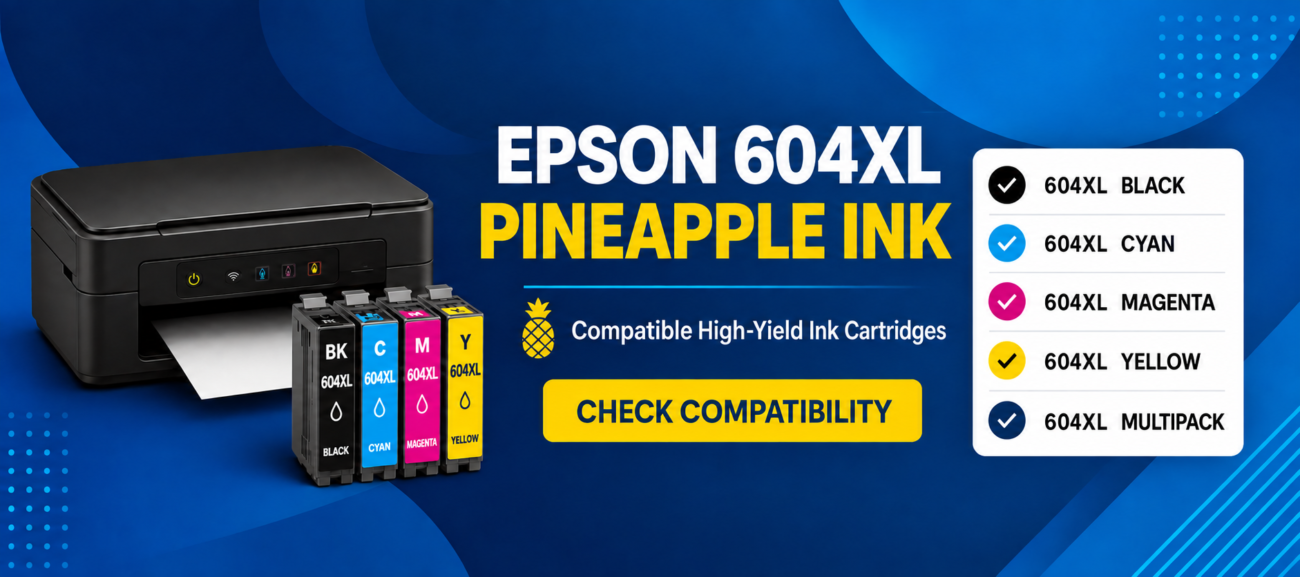
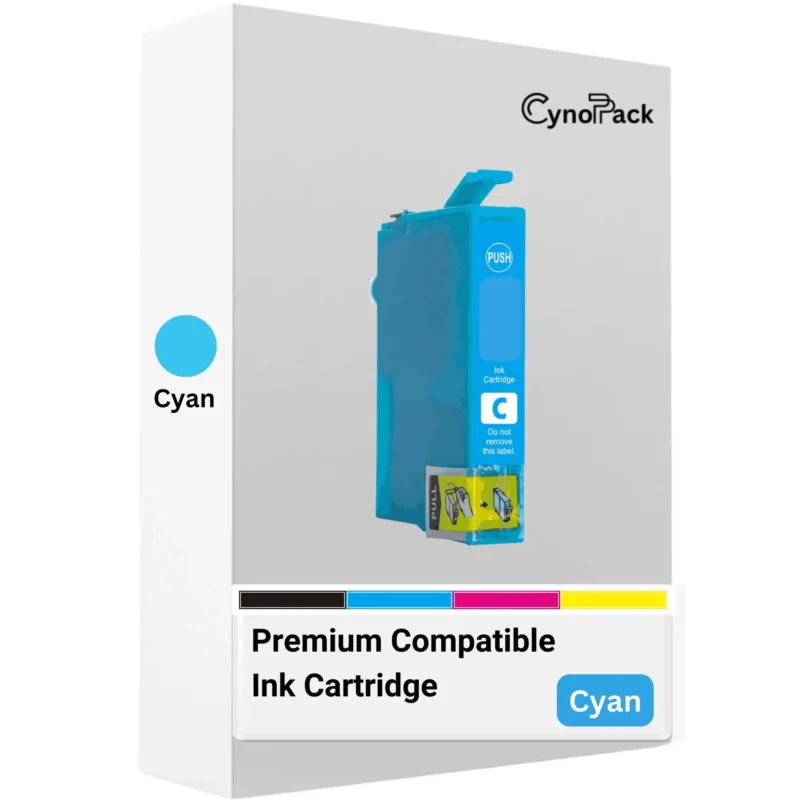
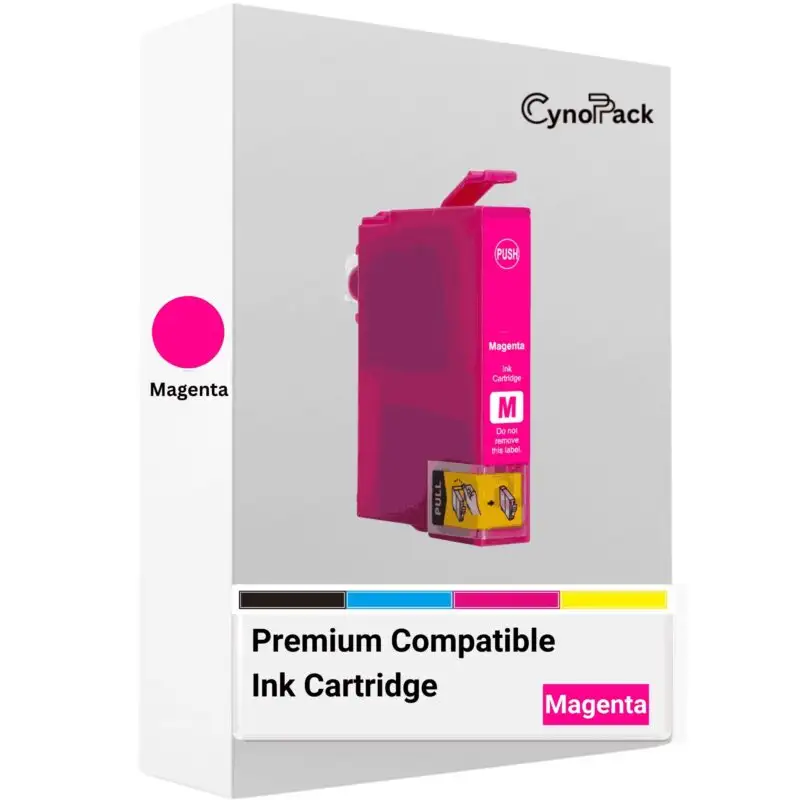
Epson 604XL cartridges are the high-capacity versions within the Epson 604 Pineapple ink family. The family uses four separate cartridges: black, cyan, magenta and yellow. Each colour occupies its own position in the printer, allowing you to replace an individual colour when it is recorded as empty.
The 604 and 604XL ranges are used by selected Epson Expression Home and WorkForce inkjet printers. They are not universal Epson cartridges, and a 604XL cartridge should never be ordered solely because it looks similar to the one already installed.
Cynopack’s compatible 604XL cartridges are newly manufactured alternatives designed for the supported printer models listed on this page. They are not manufactured by or affiliated with Epson. Epson names and cartridge references are used only to identify compatibility.
For the safest ordering decision, check both:
-
The complete model number on your printer, such as XP-2200 or WF-2930DWF
-
The cartridge family or code on the cartridge already installed, such as 604XL, T10H1 or C13T10H14010
Which Printers Use Epson 604XL Ink Cartridges?
The compatible Epson 604XL cartridges shown on this page are designed for the following UK printer models:
| Printer range |
Compatible printer model |
Cartridge family |
| Epson Expression Home |
XP-2200 |
Epson 604 / 604XL Pineapple |
| Epson Expression Home |
XP-2205 |
Epson 604 / 604XL Pineapple |
| Epson Expression Home |
XP-3200 |
Epson 604 / 604XL Pineapple |
| Epson Expression Home |
XP-3205 |
Epson 604 / 604XL Pineapple |
| Epson Expression Home |
XP-4200 |
Epson 604 / 604XL Pineapple |
| Epson Expression Home |
XP-4205 |
Epson 604 / 604XL Pineapple |
| Epson WorkForce |
WF-2910DWF |
Epson 604 / 604XL Pineapple |
| Epson WorkForce |
WF-2930DWF |
Epson 604 / 604XL Pineapple |
| Epson WorkForce |
WF-2935DWF |
Epson 604 / 604XL Pineapple |
| Epson WorkForce |
WF-2950DWF |
Epson 604 / 604XL Pineapple |
Always compare the complete printer model. For example, the WF-2930DWF suffix forms part of the model identification. Do not assume a cartridge fits another XP or WF printer merely because part of the number is similar.
Available Epson 604XL Pack Options
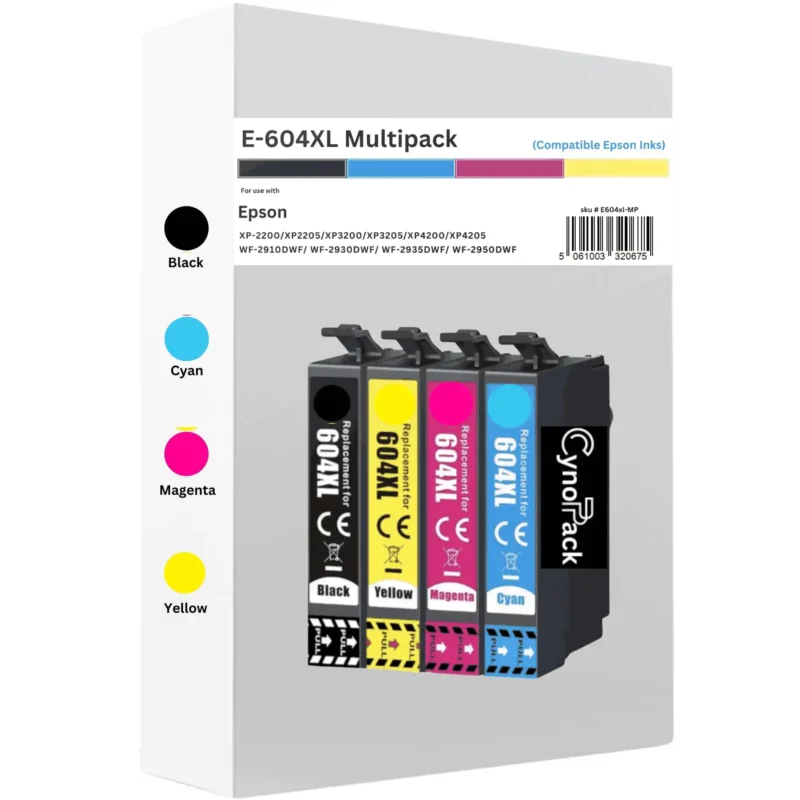
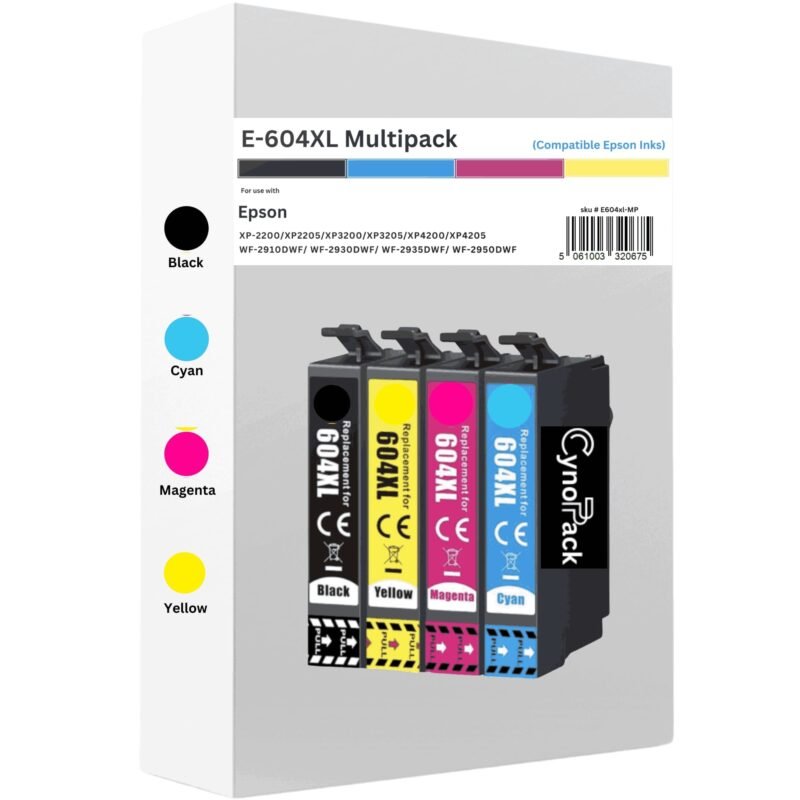
Cynopack offers five compatible 604XL purchasing options, allowing you to replace one empty colour or purchase a complete set.
Choose an individual cartridge when only one colour requires replacement and the others still have sufficient ink. A multipack can be more convenient when several colours are low, when installing a complete replacement set or when you print regularly and want spare ink available.
Check the contents of a multipack rather than assuming all bundles contain the same quantity. Cynopack’s standard four-colour 604XL multipack contains one cartridge in each colour.
Epson 604 Versus Epson 604XL
Standard Epson 604 and high-capacity Epson 604XL cartridges belong to the same Pineapple family and are designed for the same supported printers. The principal difference is the expected page yield and how frequently the cartridge may need replacing.
| Feature |
Epson 604 standard |
Epson 604XL high capacity |
| Cartridge family |
Pineapple |
Pineapple |
| Black page yield |
Up to approximately 150 pages |
Up to approximately 500 pages |
| Colour page yield |
Up to approximately 130 pages per colour |
Up to approximately 350 pages per colour |
| Replacement frequency |
More frequent for regular users |
Normally less frequent for the same printing pattern |
| Best suited to |
Occasional printing |
Regular home, study or small-office printing |
The “XL” designation refers to higher ink capacity and expected page yield. It does not mean the cartridge fits a wider range of printers. Your model must still appear in the 604/604XL compatibility list.
Supported printers can generally use a mixture of standard 604 and 604XL cartridges from the same family—for example, an XL black cartridge alongside standard-capacity colours. Every installed cartridge must still be the correct colour and cartridge family for the printer.
Epson 604XL Page Yield and Ink Capacity
Cynopack’s compatible 604XL cartridges have the following estimated maximum page yields:
| Cartridge |
Estimated page yield |
| Compatible 604XL black |
Up to 500 pages |
| Compatible 604XL cyan |
Up to 350 pages |
| Compatible 604XL magenta |
Up to 350 pages |
| Compatible 604XL yellow |
Up to 350 pages |
Page yield is an estimate produced under applicable test conditions, not a guaranteed number of pages for every customer. Actual results vary according to:
-
The amount of ink covering each page
-
Whether you print text, graphics, photographs or coloured backgrounds
-
Print-quality and paper settings
-
The paper being used
-
Borderless printing
-
Printhead-cleaning and maintenance cycles
-
How frequently the printer is used
-
Environmental and operating conditions
A full-page photograph normally uses much more ink than a page containing a small amount of text. The three colour figures should not be added together to promise a fixed total number of full-colour pages because cyan, magenta and yellow are combined in different proportions during colour printing.
Epson 604XL Cartridge Codes
Use this reference table to identify the required colour. Short and complete references may both appear on cartridges, packaging, invoices or product listings.
| Colour or pack |
Short reference |
Complete Epson reference |
| Black |
T10H1 |
C13T10H14010 |
| Cyan |
T10H2 |
C13T10H24010 |
| Magenta |
T10H3 |
C13T10H34010 |
| Yellow |
T10H4 |
C13T10H44010 |
| Four-colour multipack |
T10H6 |
C13T10H64010 |
| Selected multipack packaging formats |
T10H6 |
A complete reference such as C13T10H64510 may appear |
Packaging references can vary by bundle or format. The essential checks are that the product belongs to the 604XL Pineapple family and that your complete printer model is listed as compatible.
How to Select the Correct 604XL Cartridge
Follow these checks before adding ink to your basket:
1. Read the complete printer model
Look on the front, rear or product-information label of the printer. Record the full model, including numbers and suffixes. Do not shorten WF-2930DWF to “WF-2930” while checking compatibility.
2. Check the installed cartridge
If it is safe to access the ink compartment, follow the printer’s replacement procedure and inspect the cartridge label. Do not pull the cartridge holder across by hand.
3. Compare the cartridge family
Confirm that the existing cartridge uses the 604 or 604XL Pineapple family. Epson 603XL Starfish and Epson 604XL Pineapple cartridges are different products and cannot be substituted for one another.
4. Choose the required colour or pack
Buy an individual cartridge when only one colour is empty. Select the multipack when you require black, cyan, magenta and yellow or want a complete spare set.
5. Check the product page again
Review the compatibility list and pack contents immediately before ordering. Contact Cynopack before purchase if your complete printer model is not shown.
How to Install Epson 604XL-Compatible Cartridges
The precise procedure varies by printer model, so consult its manual where the controls or indicator lights differ.
-
Switch on the printer.
-
Open the scanner unit or cartridge-access cover as described in the printer guide.
-
Use the ink-replacement control, maintenance menu or specified button to move the cartridge holder into the replacement position.
-
Wait until the holder stops moving. Do not move it manually.
-
Identify the cartridge that requires replacement.
-
Release and lift out the old cartridge according to the printer instructions.
-
Remove the new 604XL cartridge from its sealed packaging only when you are ready to install it.
-
Remove only the protective strip or material identified in the supplied instructions.
-
Avoid touching the electronic chip or ink outlet.
-
Insert the cartridge into its matching colour position.
-
Press it down gently until it clicks securely into place and sits level with the other cartridges.
-
Close the cartridge cover and scanner unit.
-
Start or confirm the replacement process if prompted.
-
Allow ink charging to finish before switching off the printer or sending a print job.
The printer may use a small amount of ink during installation and maintenance. Do not interrupt it while the power or ink lights are flashing.
Epson 604XL Cartridge Not Recognised
If the printer does not recognise a newly installed cartridge, check the following in order:
-
Confirm the cartridge number. Make sure it is a 604XL cartridge rather than a similar-looking 603XL or another Epson family.
-
Check the printer model. Verify that the complete model appears in the compatibility table on this page.
-
Check the colour position. Black, cyan, magenta and yellow cartridges must be installed in their corresponding slots.
-
Look for protective material. Remove only the tape or strip specified by the cartridge instructions.
-
Reseat the cartridge. Remove and reinstall it carefully, pressing until it clicks and sits level.
-
Inspect the chip. Look for visible dirt, fingerprints or physical damage. Avoid scratching or pressing the contacts.
-
Close all covers. The printer may not complete recognition while the access area is open.
-
Allow charging to finish. Wait until the printer becomes ready.
-
Restart safely. Switch the printer off using its power button, wait until it has shut down fully and then switch it on again.
Do not force a cartridge into place, move the printhead carriage by hand or unplug the printer while it is active. Avoid attempting an unofficial firmware downgrade as a troubleshooting step.
If one new cartridge remains unrecognised, contact Cynopack with your order number, complete printer model, affected colour and a photograph or exact wording of the error message. This information helps the support team identify whether the issue concerns selection, installation or the individual cartridge.
Delivery and Product Support
Cynopack provides free UK delivery on the compatible Epson 604XL products displayed on this page. The current product listing specifies Royal Mail Tracked 48; estimated delivery and dispatch information should be checked on the product page and at checkout because service details can change or be affected by weekends, holidays and carrier delays.
For product support, contact cynopack@gmail.com and include:
-
Your order number
-
The complete Epson printer model
-
The cartridge colour or multipack purchased
-
The cartridge reference printed on the product
-
The exact error message or light pattern
-
A clear photograph when requested
Unopened Cynopack cartridges have a shelf life of up to two years when stored correctly. Keep them sealed in their original packaging in a cool, dry place, away from direct sunlight and temperature extremes. Open a cartridge only when you are ready to install it.
Check the individual product page and Cynopack’s current returns information for the guarantee, replacement and return terms applying to your order.
Shop Epson 604XL Ink by Printer Model
| Printer landing-page anchor |
|
| Epson XP-2200 ink cartridges |
|
| Epson XP-2205 ink cartridges |
|
| Epson XP-3200 ink cartridges |
|
| Epson XP-3205 ink cartridges |
|
| Epson XP-4200 ink cartridges |
|
| Epson XP-4205 ink cartridges |
|
| Epson WF-2910DWF ink cartridges |
|
| Epson WF-2930DWF ink cartridges |
|
| Epson WF-2935DWF ink cartridges |
|
| Epson WF-2950DWF ink cartridges |
|
Frequently Asked Questions About Epson 604XL Ink
Which printers use Epson 604XL cartridges?
Epson 604XL cartridges are used by selected Expression Home XP-2200, XP-2205, XP-3200, XP-3205, XP-4200 and XP-4205 printers and WorkForce WF-2910DWF, WF-2930DWF, WF-2935DWF and WF-2950DWF printers. Check the complete model before ordering.
What does Pineapple mean on Epson ink?
Pineapple is the identifying image or family name associated with Epson 604 and 604XL cartridges. It helps distinguish the range from other Epson cartridge families. You should still verify the numerical cartridge code and printer model rather than relying only on the image.
What is the difference between Epson 604 and 604XL?
Both belong to the same compatible printer family, but 604XL cartridges have higher capacity. Standard 604 cartridges are rated at up to approximately 150 black or 130 pages per colour, while 604XL versions are rated at up to approximately 500 black or 350 pages per colour under applicable test conditions.
Can I use 604XL instead of standard 604 ink?
Yes, if your printer is listed as supporting the 604/604XL family. The XL version is intended as a higher-capacity option for the same supported printers. Always confirm the complete model before purchasing.
Can I mix Epson 604 and 604XL cartridges?
Supported printers can generally use standard and XL cartridges from the same 604 family together. For example, you may use 604XL black with standard 604 colour cartridges. Every cartridge must still be compatible and installed in the correct colour slot.
Are Epson 603XL and Epson 604XL interchangeable?
No. Epson 603XL Starfish and Epson 604XL Pineapple cartridges have similar names but are designed for different printer ranges. Their fittings and electronic compatibility differ, so always order the exact family required by your printer.
How many pages does a compatible Epson 604XL cartridge print?
Cynopack’s compatible 604XL black cartridge is estimated at up to 500 pages, while cyan, magenta and yellow are estimated at up to 350 pages each. Actual yield varies with coverage, settings, document type, cleaning cycles and printer use.
What is included in the Epson 604XL multipack?
The Cynopack four-colour multipack contains one compatible 604XL black cartridge, one cyan, one magenta and one yellow. All four are high-capacity XL replacements.
Can I replace only one 604XL colour?
Yes. The supported printers use separate black, cyan, magenta and yellow cartridges. If only one colour is empty, you can purchase and replace that individual cartridge rather than changing the complete set.
Why is my Epson 604XL cartridge not recognised?
Common causes include ordering the wrong cartridge family, using it in an unsupported printer, leaving protective material attached, installing it in the wrong colour position or not seating it fully. A dirty or damaged electronic chip can also prevent recognition.
Will compatible cartridges affect my printer warranty?
Using a compatible cartridge does not automatically cancel all of your statutory or manufacturer rights. However, a manufacturer may decline to cover damage it can demonstrate was caused by a third-party consumable. Use the correct cartridge, follow the installation instructions and retain your order information.
How should unopened 604XL cartridges be stored?
Keep them sealed in their original packaging in a cool, dry location away from direct sunlight, freezing conditions and excessive heat. Cynopack’s unopened cartridges have a shelf life of up to two years when stored correctly.
Does the printer show ink levels with compatible 604XL cartridges?
Ink-level reporting depends on the cartridge chip, printer model and software. A correctly compatible cartridge may report an estimated level, but the display should not be treated as a precise physical measurement of the ink remaining.
Should I buy individual cartridges or a multipack?
Choose an individual colour if only one cartridge needs replacement. Select a multipack if several colours are low, you need a complete set or you want spare cartridges available for regular printing.
Buy Compatible Epson 604XL Ink Cartridges Online
Browse the 604XL products above to choose black, cyan, magenta, yellow or the complete four-colour multipack. Cynopack’s compatible high-capacity cartridges are intended for the selected Epson Expression Home and WorkForce printers listed on this page.
Before ordering, compare your complete printer model and cartridge family with the compatibility table. A careful check helps prevent recognition problems, returns and delays—and ensures you select the correct Pineapple ink for your printer.