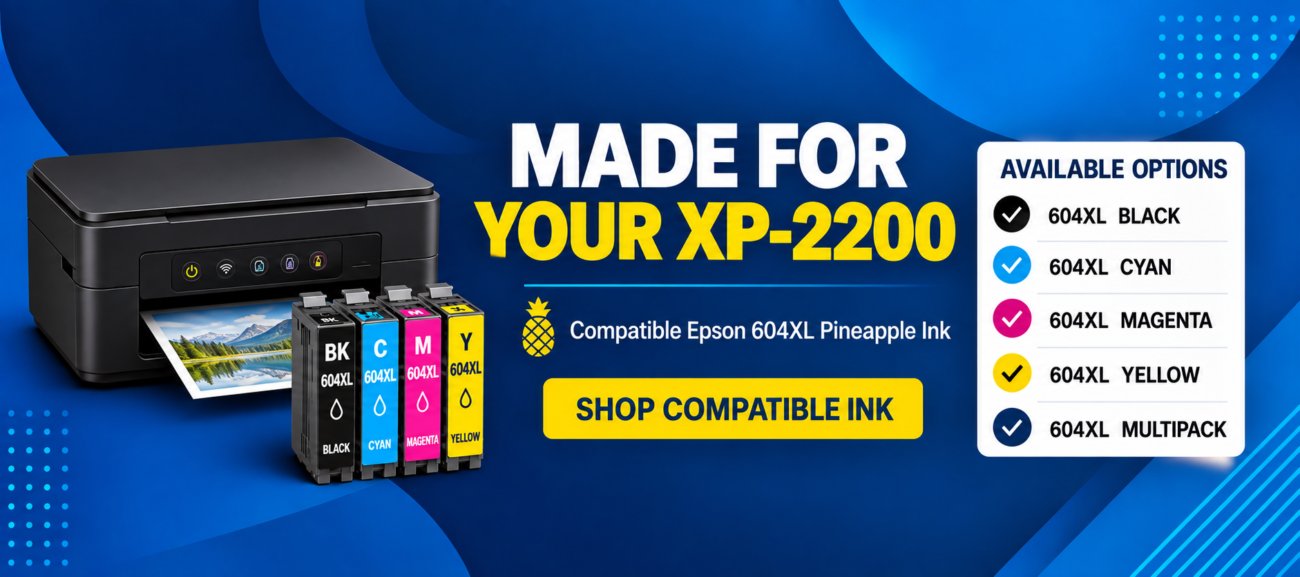
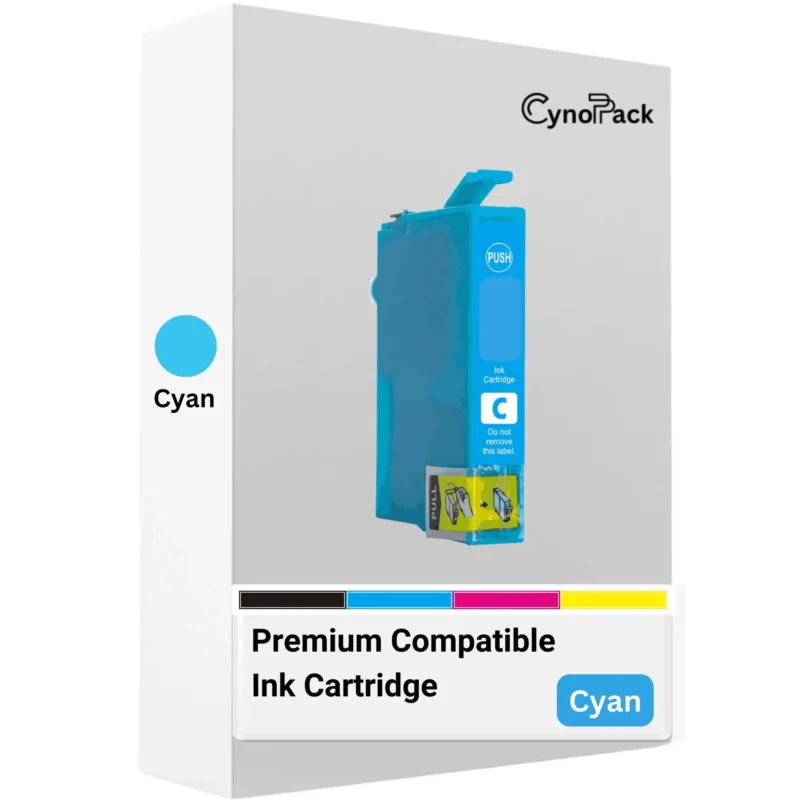
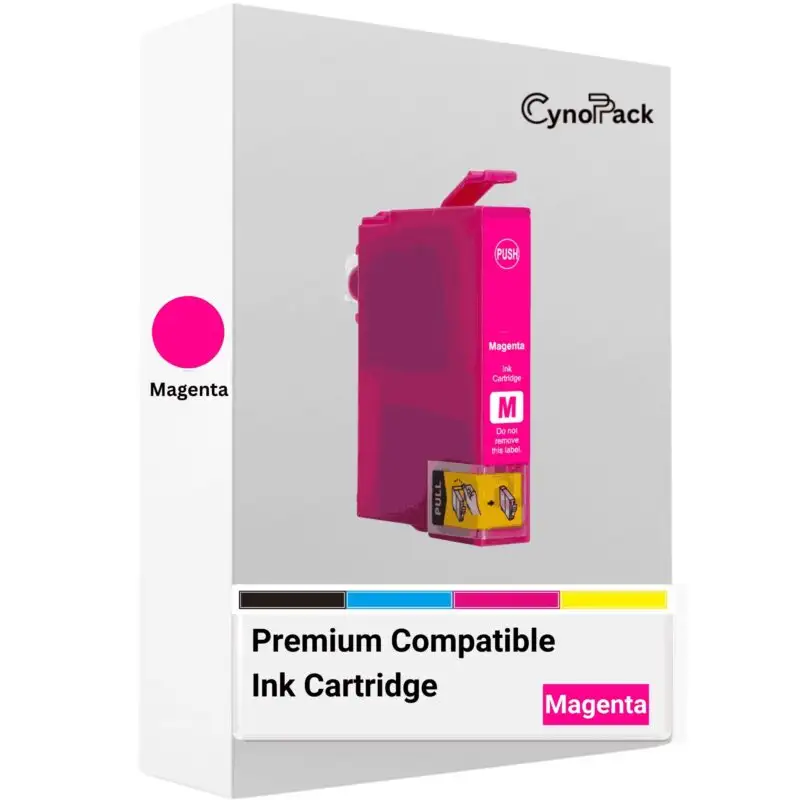
The Epson Expression Home XP-2200 uses the four-colour Epson 604 Pineapple cartridge family:
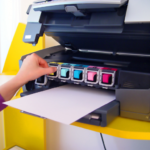
The printer accepts both standard-capacity Epson 604 cartridges and high-capacity Epson 604XL cartridges. Because each colour is supplied in a separate cartridge, you can replace the colour that has run out without discarding the other cartridges.
The XP-2200 uses pigment black and dye-based colour inks within the original Epson 604 range. Pigment black is intended to produce defined text, while cyan, magenta and yellow combine to produce colour documents and images.
Cynopack’s products are newly manufactured compatible alternatives for printers using this cartridge family. They are not produced by, endorsed by or affiliated with Epson. Brand names and cartridge numbers are used only to identify compatibility.
Shop Compatible Epson XP-2200 Ink
Choose from the following compatible 604XL products:
You can also explore the complete Epson 604XL Pineapple ink collection.
Epson XP-2200 Cartridge Numbers
Use the cartridge reference as an additional compatibility check. The following 604XL references are associated with the XP-2200:
| Colour or pack | Short reference | Complete reference |
|---|
| 604XL black | T10H1 | C13T10H14010 |
| 604XL cyan | T10H2 | C13T10H24010 |
| 604XL magenta | T10H3 | C13T10H34010 |
| 604XL yellow | T10H4 | C13T10H44010 |
| 604XL four-colour multipack | T10H6 | C13T10H64010 |
| 604XL EasyMail multipack format | T10H6 | C13T10H64510 |
The complete multipack reference can vary according to the packaging format. The important checks are the 604XL Pineapple family, the four colour references and the complete XP-2200 printer model.
Do not confuse 604XL with Epson 603XL. Although the numbers appear similar, the cartridges are made for different printer families and are not interchangeable.
Standard Epson 604 Versus 604XL for the XP-2200
Standard 604 and high-capacity 604XL cartridges fit the same supported XP-2200 printer. The principal difference is the amount of ink and expected page yield.
| Feature | Epson 604 standard | Epson 604XL high capacity |
|---|
| Cartridge family | Pineapple | Pineapple |
| Approximate black yield | Up to 150 pages | Up to 500 pages for an individual black cartridge |
| Approximate colour yield | Up to 130 pages per colour | Up to 350 pages per colour |
| Replacement frequency | More frequent for regular printing | Normally less frequent for the same usage pattern |
| Best suited to | Light or occasional printing | Regular home, study or small-office printing |
XL does not mean that the cartridge fits more printer models. It identifies a higher-capacity option within the same cartridge family.
The XP-2200 can generally use standard and XL cartridges together. For example, you may install a 604XL black cartridge alongside standard 604 cyan, magenta and yellow cartridges. Every cartridge must still belong to the supported 604 family and be installed in the correct colour position.
How Long Do Epson XP-2200 Cartridges Last?
Cynopack’s compatible 604XL black cartridge is rated for up to approximately 500 pages, while each compatible 604XL colour cartridge is rated for up to approximately 350 pages under applicable test conditions.
These figures are estimates rather than guaranteed totals. Actual yield depends on:
The amount of ink covering each page
Whether you print text, graphics or photographs
Borderless and high-quality print settings
The selected paper type
Printhead-cleaning and maintenance cycles
How frequently the printer is used
The combination of colours required by each document
A page containing a few lines of text consumes considerably less ink than a borderless photograph or a document with a coloured background. Cyan, magenta and yellow yields should not be added together to promise a fixed number of full-colour pages because the printer uses them in different proportions.
The cartridges supplied with a new printer may also produce fewer pages than later replacement cartridges because some ink is used during the printer’s initial ink-charging process.
Individual Cartridges or a 604XL Multipack?
Choose an individual cartridge when:
Only one colour is empty
The other cartridges still show usable ink
You use black more frequently than colour
You want to keep a spare of a frequently used colour
Choose the four-colour multipack when:
Several colours are low
You are replacing a complete set
You print regularly and want spare cartridges ready
You prefer to order all four colours together
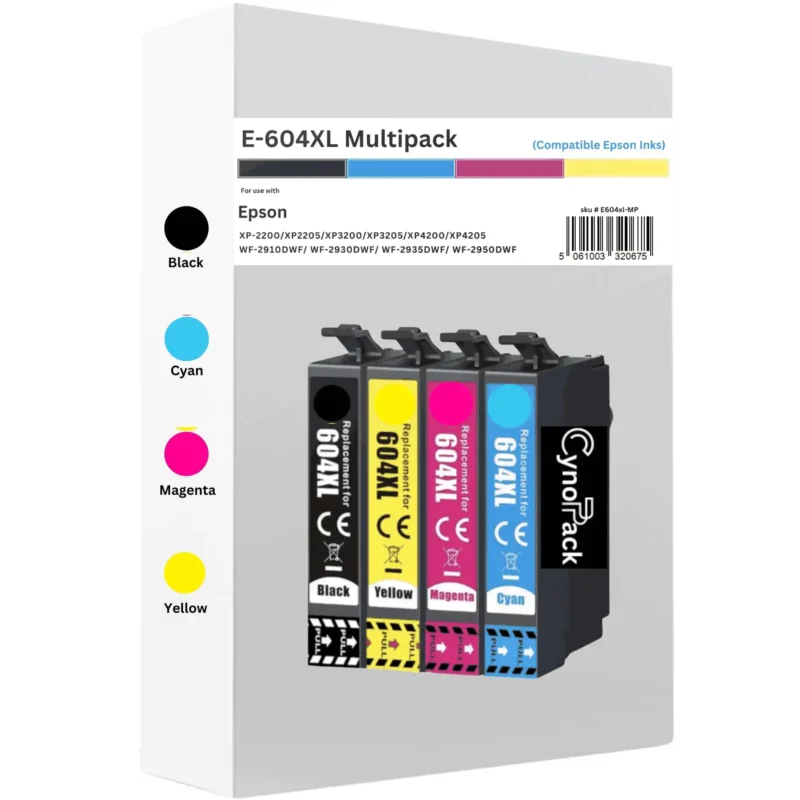
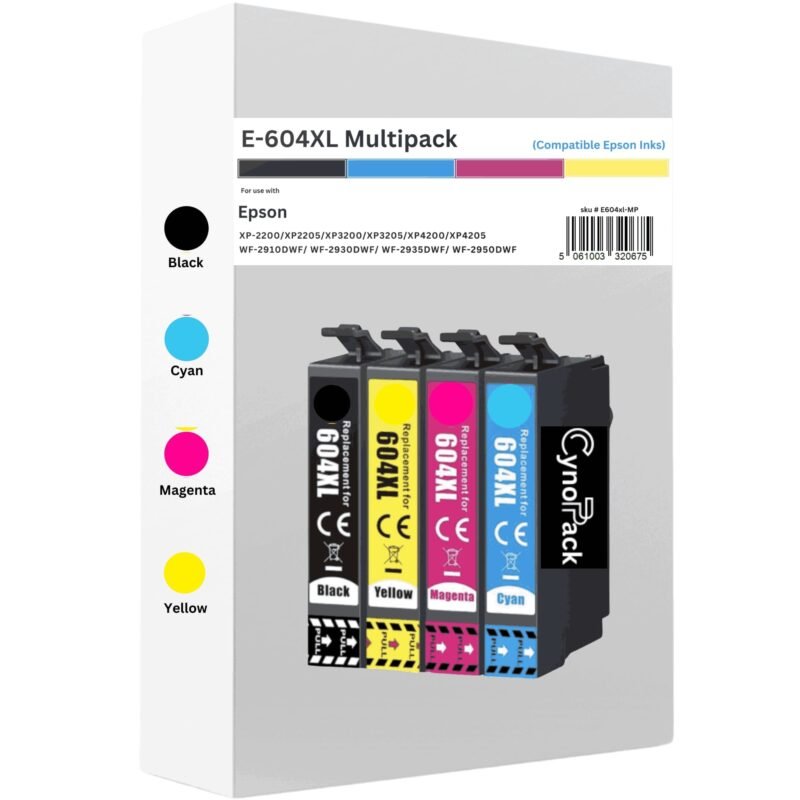
The multipack contains one black, one cyan, one magenta and one yellow 604XL-compatible cartridge. It does not contain four black cartridges or additional duplicate colours.
How to Check Ink Levels on the Epson XP-2200
The XP-2200 does not have a large colour display for browsing detailed ink menus. You can check the estimated cartridge status using Epson software on a connected computer or the Epson Smart Panel app on a compatible mobile device.
On Windows, install the correct Epson printer driver and open EPSON Status Monitor 3 through the printer’s Printing Preferences and Maintenance or Utility tab.
On a Mac, open the Epson printer utility or the supply information available under Printers & Scanners. The exact route depends on the macOS version and installed driver.
Epson Smart Panel can also display printer information when the XP-2200 and mobile device are connected correctly.
Ink-level indicators are estimates based on recorded usage rather than precise measurements of the liquid remaining. The reading may change in stages and maintenance cycles also use ink.
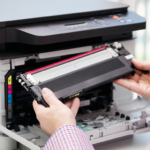
How to Replace Ink Cartridges in an Epson XP-2200
Follow the printer’s model-specific manual where its light sequence or software prompts differ from this general procedure.
Switch on the Epson XP-2200.
Make sure the power light is steady and the printer is not processing a job.
Open the scanner unit to access the cartridge area.
Use the printer’s ink-replacement control or the Epson maintenance utility to move the cartridge holder into the replacement position.
Wait until the holder stops moving. Never drag it across by hand.
Identify the cartridge that needs replacing.
Press its release tab and lift the old cartridge out carefully.
Remove the new 604XL-compatible cartridge from its sealed packaging.
Prepare it according to the instructions supplied with the cartridge.
Remove only the specified protective tape or strip.
Do not touch the electronic chip or ink outlet.
Insert the cartridge into its matching colour position.
Press down gently until it clicks into place and sits level with the other cartridges.
Close the scanner unit.
Start or confirm ink charging if prompted by the printer or software.
Wait until charging finishes before switching off the printer or attempting to print.
The printer may use a small quantity of ink during installation and maintenance. Do not unplug it while the power or ink lights are flashing.
Epson XP-2200 Cartridge Not Recognised
If the XP-2200 does not recognise a new cartridge, work through these checks in order:
Confirm the cartridge family
Check that the cartridge is 604 or 604XL Pineapple ink. Epson 603XL, 405XL and other families will not work in the XP-2200.
Check the colour position
Make sure black, cyan, magenta and yellow cartridges are placed in their corresponding slots.
Remove the required protective material
A cartridge may have a protective strip or seal that must be removed before installation. Remove only the material identified in its instructions; do not peel away labels or dismantle the cartridge.
Reseat the cartridge
Remove the affected cartridge using the proper replacement procedure and reinstall it firmly. It should click into place and sit at the same level as the neighbouring cartridges.
Inspect the electronic chip
Check for obvious dirt, fingerprints, scratches or physical damage. Avoid touching or scraping the contacts.
Allow ink charging to finish
Close the printer and wait until it completes its recognition and charging process. Sending repeated commands during this process may create additional errors.
Restart safely
If the problem remains, switch the printer off using its power button. Wait until it has fully shut down before switching it on again. Do not disconnect the power while the printer is active.
Avoid forcing a cartridge into the holder, moving the carriage manually or attempting an unofficial firmware downgrade. If one new cartridge remains unrecognised, contact Cynopack with the order number, affected colour, cartridge reference and exact error message.
What If the XP-2200 Prints Blank or Faded Pages?
A recognised cartridge can still be followed by incomplete output if ink has not charged fully or the printhead nozzles require attention.
Confirm that every cartridge is securely installed.
Allow the printer to complete its initial charging process.
Print a nozzle-check pattern through the Epson maintenance utility.
Examine the pattern for gaps or missing colours.
Run one standard printhead-cleaning cycle only if the nozzle check indicates a problem.
Print another nozzle check after the waiting period specified by Epson.
Avoid running repeated cleaning cycles without checking the pattern. Cleaning uses ink and contributes to waste-ink or maintenance-system usage.
Also confirm that the paper type and quality settings match the paper loaded. Draft mode can appear lighter, while selecting an unsuitable media type may affect the amount of ink applied.
About the Epson Expression Home XP-2200
The XP-2200 is a compact A4 multifunction inkjet printer designed for home use. It provides printing, scanning and copying, with Wi-Fi, Wi-Fi Direct and USB connectivity. It also supports Epson Smart Panel for compatible mobile setup and control.
Its individual-cartridge system means black, cyan, magenta and yellow are replaced separately. For owners who print regularly, 604XL cartridges provide a higher-capacity alternative to standard 604 ink.
This page sells replacement ink only. The printer itself is not included with any cartridge or multipack unless a product listing explicitly says otherwise.
Delivery, Storage and Product Support
Cynopack provides free UK delivery on the compatible XP-2200 cartridges linked from this page. The current 604XL product listings specify Royal Mail Tracked 48. Check the product page and checkout for the latest dispatch and delivery information, particularly around weekends, bank holidays and seasonal delays.
Unopened Cynopack cartridges have a shelf life of up to two years when stored correctly. Keep them:
Sealed in their original packaging
In a cool, dry place
Away from direct sunlight
Away from freezing or excessive heat
Protected from physical damage
Open a cartridge only when you are ready to install it.
For product support, contact cynopack@gmail.com and provide:
Your order number
Printer model: Epson Expression Home XP-2200
The affected cartridge colour
The reference printed on the cartridge
The exact error message or light pattern
A clear photograph if requested
Check the individual product listing and Cynopack’s current returns policy for the replacement, refund and guarantee terms applying to your order.
Frequently Asked Questions
What ink does the Epson XP-2200 use?
The Epson Expression Home XP-2200 uses the Epson 604 Pineapple cartridge family. It accepts standard 604 and high-capacity 604XL cartridges in black, cyan, magenta and yellow.
Can the Epson XP-2200 use 604XL ink?
Yes. The XP-2200 is compatible with 604XL Pineapple cartridges. XL versions contain more ink and have higher estimated page yields than standard 604 cartridges.
Can I use Epson 603XL cartridges in an XP-2200?
No. Epson 603XL and 604XL are different cartridge families and are not interchangeable. The XP-2200 requires Epson 604 or 604XL Pineapple ink.
How many pages does Epson 604XL print in an XP-2200?
Cynopack’s compatible 604XL black cartridge is estimated at up to 500 pages, while cyan, magenta and yellow are estimated at up to 350 pages each. Actual yield varies with page coverage, settings, document type and maintenance cycles.
What colours does the XP-2200 need?
The XP-2200 uses four separate cartridges: black, cyan, magenta and yellow. The printer generally requires all four compatible cartridges to be installed correctly, even if you mainly print black documents.
Can I replace only the empty colour?
Yes. The XP-2200 uses individual cartridges, allowing you to replace the recorded empty colour while leaving the remaining usable cartridges installed.
Can I mix standard 604 and 604XL cartridges?
The XP-2200 can generally use standard and XL cartridges from the same 604 Pineapple family together. Each cartridge must be the correct colour and compatible with the printer.
What is included in the Cynopack 604XL multipack?
The multipack contains four high-capacity cartridges: one black, one cyan, one magenta and one yellow.
Why does my XP-2200 say the new cartridge is not recognised?
The cartridge may be from the wrong family, installed in the wrong slot, not fully seated or still covered by required protective material. A dirty or damaged electronic chip can also prevent recognition.
Can compatible 604XL cartridges show ink levels?
Compatible-cartridge ink reporting depends on the cartridge chip, printer driver and software. A correctly compatible cartridge may display an estimated level, but the reading is not a precise physical measurement.
Does the XP-2200 have a screen for checking ink?
The XP-2200 does not have a large LCD menu screen. Estimated ink information can be viewed using Epson software on a connected computer or through Epson Smart Panel on a compatible mobile setup.
Why are colours missing even though the cartridges contain ink?
The printer may not have completed ink charging, or some printhead nozzles may be blocked. Print a nozzle-check pattern and perform a standard cleaning cycle only when the pattern shows gaps.
How should spare XP-2200 cartridges be stored?
Keep unopened cartridges sealed in their original packaging in a cool, dry place away from direct sunlight and extreme temperatures. Cynopack’s unopened cartridges have a shelf life of up to two years when stored correctly.
Will compatible cartridges automatically void the printer warranty?
Using a compatible cartridge does not automatically remove all statutory or manufacturer rights. However, a manufacturer may decline to cover damage it can demonstrate was caused by a third-party consumable. Select the correct cartridge and follow the installation instructions.
Order Epson XP-2200 Ink Cartridges Online
Choose from individual compatible Epson 604XL black, cyan, magenta and yellow cartridges or the complete four-colour multipack. Every cartridge listed on this page is intended for the Epson Expression Home XP-2200 and other supported models using the 604XL Pineapple family.
Before ordering, check that the label on your printer says XP-2200 and that the cartridge family is 604 or 604XL. This simple check helps prevent recognition problems, returns and delays.
Browse all compatible Epson 604XL Pineapple ink cartridges or select the individual colour or multipack you need from the product links above.