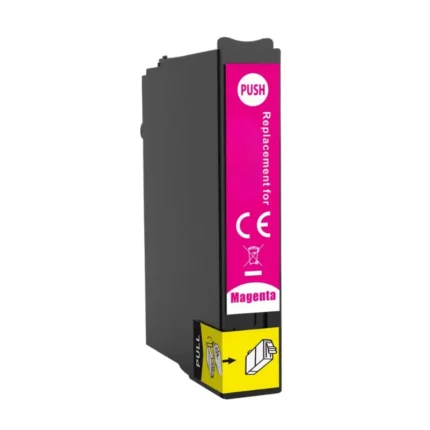
| Product detail | Specification |
|---|---|
| Brand | Cynopack |
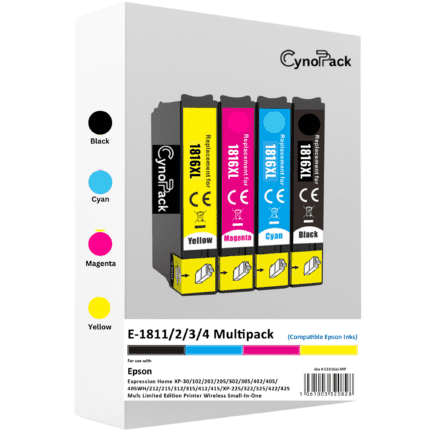
| Product type | Compatible ink cartridges |
| Cartridge range | Epson 18XL / Epson Daisy |
| Printer type | Inkjet |
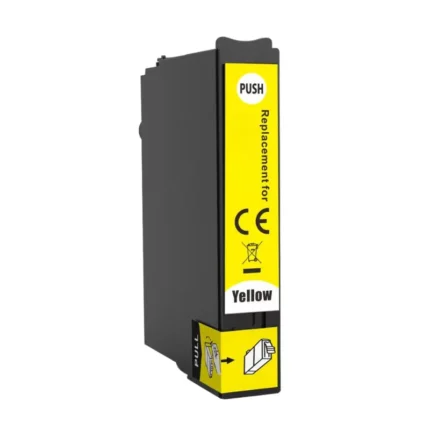
| Individual codes | T1812 |
| Capacity | High capacity / XL |
| Pack contents | 1 cartridges |
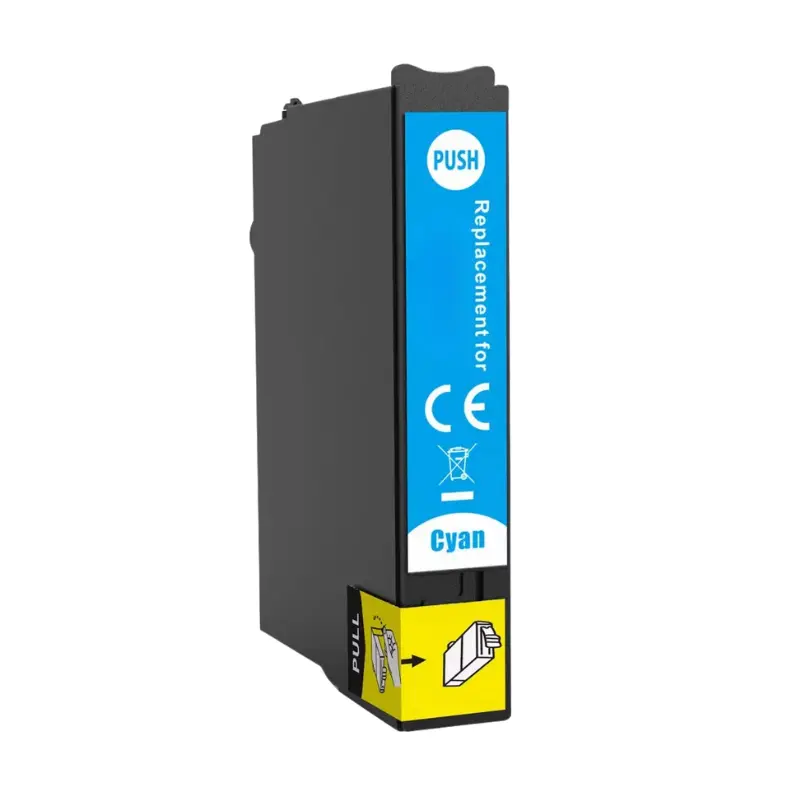
| Colours | Cyan |
| Page yield | Cyan 9.6ml |
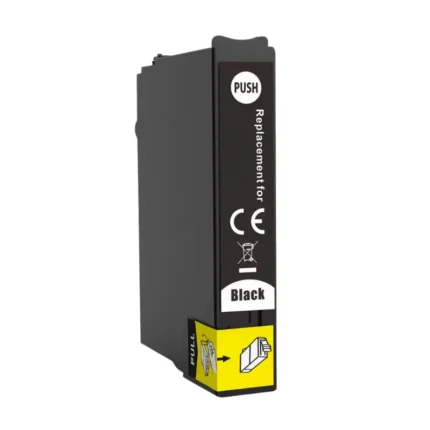
| Ink volume | Black 14.6ml , 9.6ml each (cyan, magenta and yellow) |
| Condition | New |
| Guarantee | Shelf life – Up to two years |
This is a Cynopack compatible product and is not manufactured or endorsed by Epson.
What is included?
- 1 × Compatible Epson 18XL Cyan – T1812
Key benefits
- High-capacity XL cartridges
- Clear text and vibrant colour printing
- Lower printing cost than original cartridges
- Convenient replacement for the complete set
- Tested compatibility
- Free UK delivery
Designed to provide reliable everyday printing at a more affordable price.
Complete Compatible Printer List
Please check your printer model carefully before ordering. Your printer must appear in the compatibility list below. Use the full printer names rather than abbreviated numbers wherever possible:
- Epson Expression Home XP-102
- Epson Expression Home XP-202
- Epson Expression Home XP-205
- Epson Expression Home XP-212
- Epson Expression Home XP-215
- Epson Expression Home XP-225
- Epson Expression Home XP-30
- Epson Expression Home XP-302
- Epson Expression Home XP-305
- Epson Expression Home XP-312
- Epson Expression Home XP-315
- Epson Expression Home XP-322
- Epson Expression Home XP-325
- Epson Expression Home XP-402
- Epson Expression Home XP-405
- Epson Expression Home XP-405WH
- Epson Expression Home XP-412
- Epson Expression Home XP-415
- Epson Expression Home XP-422
- Epson Expression Home XP-425
How to install Epson 18XL compatible cartridges
- Switch on your Epson printer.
- Open the ink-cartridge access cover.
- Wait for the cartridge holder to move into the replacement position.
- Remove the empty cartridge by pressing its release tab.
- Remove the new cartridge from its packaging.
- Take off the protective seal or tab as instructed on the cartridge.
- Insert the cartridge into the matching colour position.
- Press it down gently until it clicks into place.
- Close the printer cover and allow the printer to charge the ink.
- Print a nozzle-check page to confirm correct installation.
Do not touch the chip or ink outlet. Do not remove any labels other than the clearly marked protective seal.
Need an individual replacement colour? Browse our complete range of Epson 18 Ink Cartridges (Epson Daisy), including Epson 18XL black, cyan, magenta and yellow cartridges.