
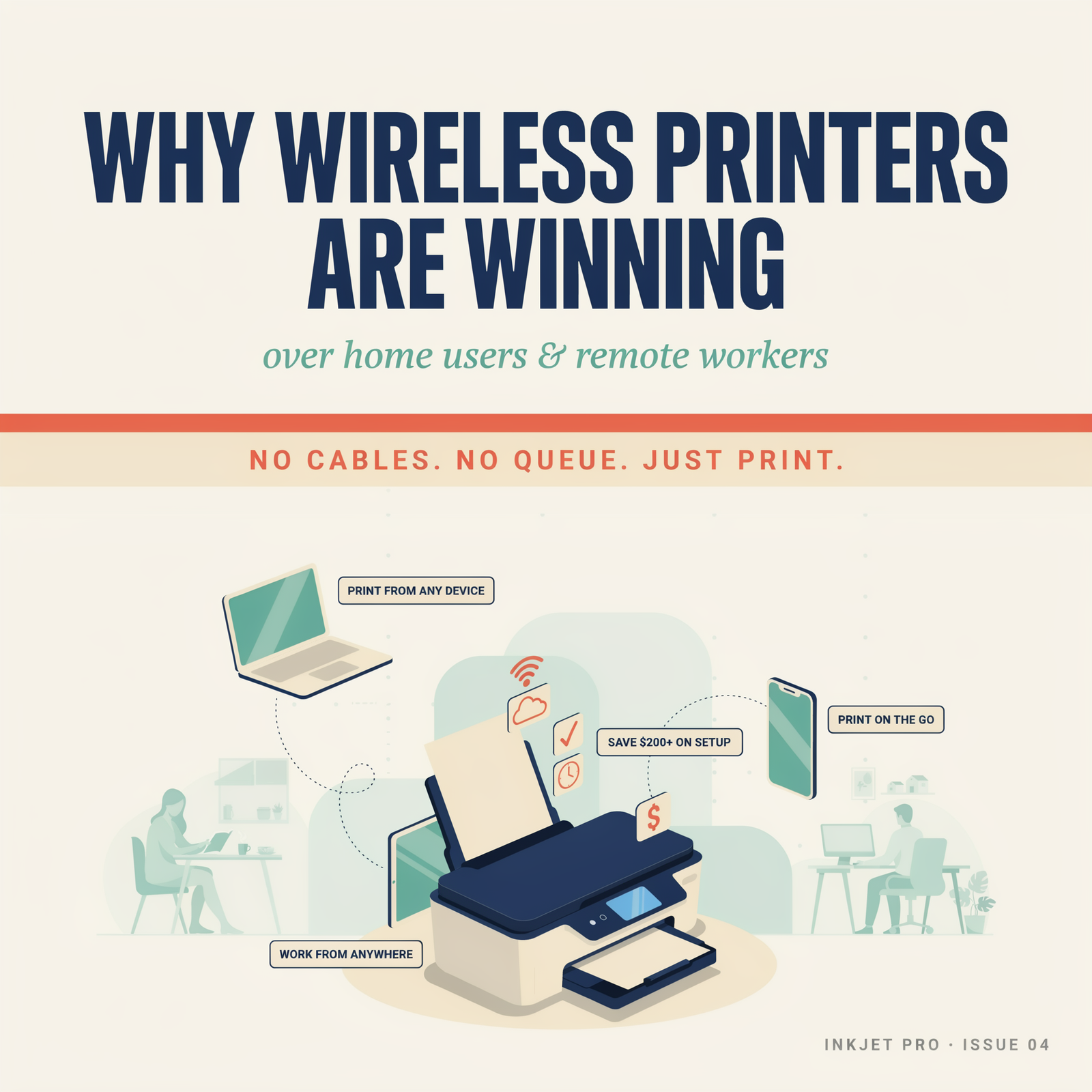
Walk into almost any home office today and you’ll notice something missing – the tangle of cables that used to run from desk to printer and back again. Wireless printers have quietly taken over, and honestly, it’s hard to argue with the shift. Whether you’re a parent printing school forms from the kitchen counter or a remote worker dashing off contracts between Zoom calls, the freedom of wireless printing has changed the way people think about getting documents onto paper.
So what’s actually driving this change, and is a wireless printer genuinely worth the investment? Let’s dig into the real reasons people are making the switch.
What Is a Wireless Printer?
A wireless printer is exactly what it sounds like – a printer that connects to your devices over a Wi-Fi network rather than through a physical cable. Instead of plugging your laptop directly into the machine, your printer sits on your home network just like your phone or smart TV does, and any device connected to the same network can send print jobs to it.
Some models go even further with Wi-Fi Direct, which lets you print from a smartphone or tablet without needing a router at all. Others support cloud printing, meaning you can send a document to your printer from the other side of the world if you need to. It’s a flexible setup that suits the way most people actually live and work these days.
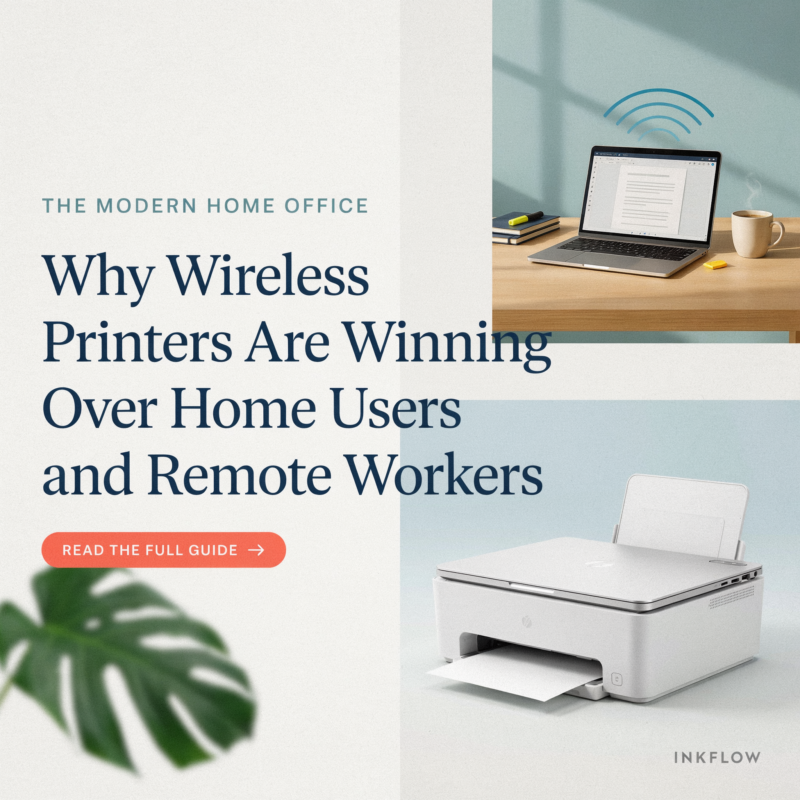
Why Wireless Printing Has Become the New Standard
Five years ago, USB printers were still perfectly common. Today, they feel almost outdated. The rise of laptops without USB ports, the explosion of smartphone use, and the shift toward hybrid and remote work have all pushed wireless connectivity from a nice-to-have feature into something people genuinely expect.
The pandemic played a big role too. Millions of people set up home offices almost overnight and quickly discovered that a single wired printer shared between two adults and a couple of kids doing schoolwork is a logistical nightmare. A Wi-Fi printer on the network solved that problem almost immediately – everyone could print without fighting over a cable.
Cloud-based workflows have accelerated things further. When your documents live in Google Drive or Microsoft OneDrive, being able to print directly from those platforms without downloading files first is genuinely useful. Modern wireless printers slot right into that workflow in a way that older USB models simply can’t.
Top Benefits of Wireless Printers
Print from Anywhere in Your Home
The most obvious benefit is physical freedom. You don’t need to be sitting next to the printer to use it. Put it in a corner of the spare room, on a shelf, wherever it fits – and print from the sofa, the kitchen, or your home office desk without thinking twice about it.
Mobile Printing Made Easy
This one surprises people who haven’t tried it. The ability to print from phone to printer without any cables or apps is genuinely seamless on modern devices. iPhones and iPads use AirPrint, which requires zero setup — if your printer supports it, your Apple device finds it automatically. Android devices have similar built-in support, and most printer manufacturers offer their own apps that make mobile printing even more capable.
Multiple Devices, One Printer
A household might have two laptops, a couple of smartphones, a tablet, and maybe a desktop. With a wired printer, only one device is plugged in at any given time. With a wireless printer, every device on the network can print whenever it needs to — no unplugging, no swapping cables, no waiting for someone else to finish.
No More Cable Clutter
This might sound minor but it genuinely matters for home office setups. A wireless printer can live wherever makes sense spatially, not wherever the cable reaches. That’s a meaningful quality-of-life improvement, especially in smaller spaces where cable management is already a constant battle.
Cloud Printing Integration
Services like Google Cloud Print’s successors, HP Instant Ink, and built-in cloud features on Canon and Epson printers let you send print jobs from anywhere with an internet connection. For remote workers dealing with documents from cloud storage, this integration removes a whole layer of friction from the printing process.
Why Remote Workers Prefer Wireless Printers
Remote and hybrid workers have specific needs that wired printers struggle to meet. A typical remote worker might be printing from a work laptop, a personal device, and occasionally a phone – all on the same day. The wireless printer handles all of that without any reconfiguration.
Productivity is the big driver here. When you’re already managing a home office, a complicated printing setup is one friction point too many. Wireless all-in-one printers that scan, copy, and fax (yes, some industries still fax) from a single machine connected to the network save meaningful time across a working week.
There’s also the question of professional output. Remote workers often need to print contracts, invoices, marketing materials, or client documents that need to look polished. A decent wireless laser printer or high-quality inkjet produces output that matches what you’d get from an office machine – and it’s sitting right there, available whenever you need it.
Home office setup with a wireless printer also tends to look cleaner and more professional during video calls, which matters more than people might admit.
Why Home Users Are Switching to Wireless Printing
For regular home use, the benefits are slightly different but equally compelling. Students printing assignments, parents handling paperwork, families sharing a single device – the wireless printer handles all of it without anyone needing to take turns with a cable.
The best wireless printers for students at home are often compact models that tuck onto a shelf but still produce quality output quickly. For general family use, a wireless all-in-one printer that can handle photos as well as documents is usually the most practical choice.
Home users also tend to appreciate how wireless printers save space. Without cable management to worry about, the printer can go wherever it fits rather than wherever it’s tethered.
Wireless Printer vs Wired Printer: Which Is Better?
The honest answer is that for most home users and remote workers in 2026, wireless wins. The only real advantage a USB printer still holds is initial simplicity – plug it in and it works, no network setup required. That’s a legitimate point for someone who only ever prints from one fixed computer and never needs to share access.
But for anyone with multiple devices, a household with more than one person, or a remote work setup that needs flexibility, the wireless printer is the better tool. Setup has become straightforward on modern routers, and the day-to-day experience of being able to print from any device without thinking about it adds up to a meaningful quality-of-life improvement.
Connection stability is sometimes raised as a concern, and it’s fair – a wired connection is technically more reliable than Wi-Fi. But modern home routers and current wireless printers handle everyday print jobs without dropping connections, and for most people this is a non-issue in practice.
Features to Look for in a Wireless Printer
Not all wireless printers are created equal. Here are the features worth paying attention to when you’re shopping.
Wi-Fi Direct lets the printer create its own network, so you can print from a phone or laptop without going through your router. Handy for guest use or when your main network is having issues.
Apple AirPrint is essential if you use iPhones, iPads, or Macs. AirPrint compatible printers appear automatically on Apple devices — no drivers, no apps, no fuss.
Cloud Printing support varies by manufacturer but generally lets you print from anywhere with internet access. Look for Google Workspace compatibility or the manufacturer’s own cloud service if this matters to your workflow.
Duplex Printing (automatic double-sided printing) is worth having. It saves paper, looks more professional, and is genuinely useful for anyone printing multi-page documents regularly.
Mobile Apps from the printer manufacturer usually add features beyond what’s built into your phone’s operating system — scanning to cloud storage, print queue management, ink level monitoring, and more.
Best Wireless Printers for Home and Remote Work in 2026
The market in 2026 is stronger than ever for home wireless printing. A few standout categories:
For general home and remote office use, wireless all-in-one inkjet printers from HP, Canon, and Epson hit a solid balance of price, print quality, and feature set. Models with automatic duplex printing and mobile app support cover most household needs comfortably.
For higher volume document printing, a wireless laser printer is worth considering. Running costs are typically lower per page, and laser output is sharper for text-heavy documents. Compact laser models have become much more affordable, making them viable for home offices.
For photo printing, dedicated wireless photo printers or high-quality inkjet all-in-ones remain the go-to. If printing photos matters to you, check for dedicated photo paper trays and six-colour ink systems.
For tight budgets, entry-level wireless inkjets have come down significantly in price. Just factor in ink cartridge costs — some cheap printers have expensive ink. Models on subscription ink programmes can work out cheaper in the long run if you print regularly.
Frequently Asked Questions
What is a wireless printer?
A printer that connects to your devices via Wi-Fi rather than a physical USB cable, letting any device on your network send print jobs to it.
How does wireless printing work?
Your printer joins your home Wi-Fi network. Devices on the same network — laptops, phones, tablets — can then detect and send print jobs to it over that connection.
Can multiple devices use a wireless printer?
Yes. That’s one of the main advantages. Every device on your network can use the printer simultaneously without any reconfiguration.
Do wireless printers need internet?
For basic printing on your local network, no — they just need to be on the same Wi-Fi as your device. Cloud printing features do require an internet connection.
Can you print from a smartphone to a wireless printer?
Yes, easily. iPhones use AirPrint automatically. Android devices have built-in print support, and most manufacturers have their own apps for extra features.
Are wireless printers secure?
They can be, with sensible precautions. Keep your printer’s firmware updated, use your home network’s password protection, and disable features like cloud printing if you don’t need them. Most modern printers also let you restrict which devices can send print jobs.
Which wireless printer is best for working from home?
It depends on your volume and needs. For mixed document and occasional photo printing, a wireless all-in-one inkjet is usually the best all-around choice. For high-volume document printing, a wireless laser printer offers better running costs and speed.
The shift to wireless printing isn’t a trend that’s going to reverse. As homes fill with more devices and working patterns continue to blend home and office life, the flexibility of a good Wi-Fi printer only becomes more valuable. If you’re still tethered to a USB cable, it’s worth taking a serious look at what you’re missing.
Explore our full range of wireless printers at cynopack.com