Showing 1–24 of 50 results
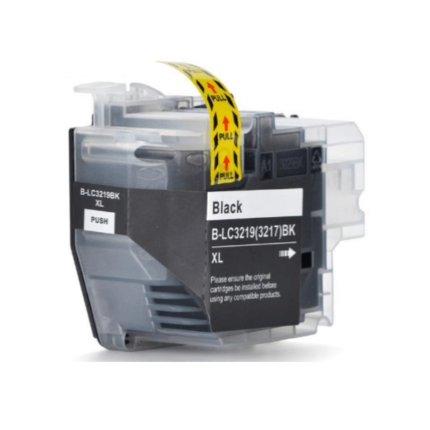
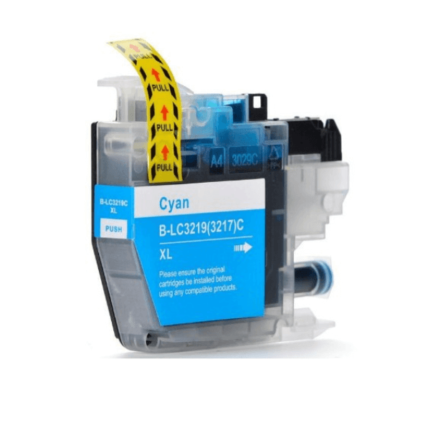
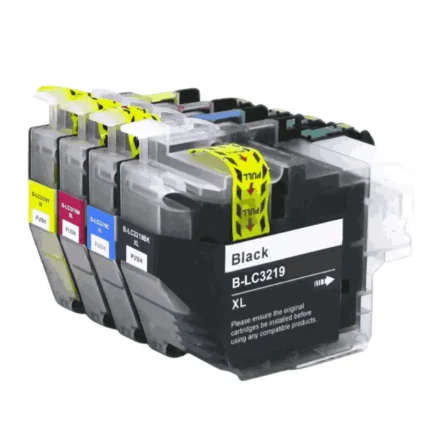
Compatible Brother LC3219xl Ink Cartridges Multipack (Set of 4)
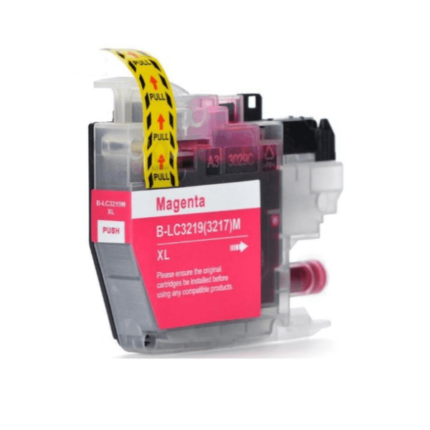
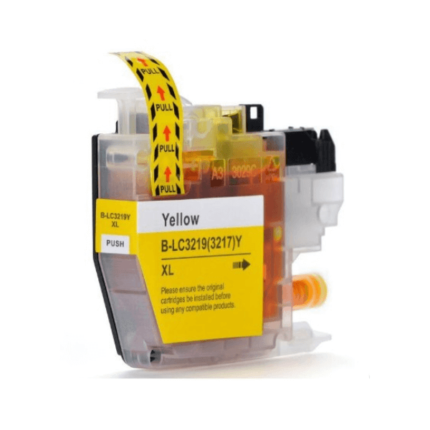
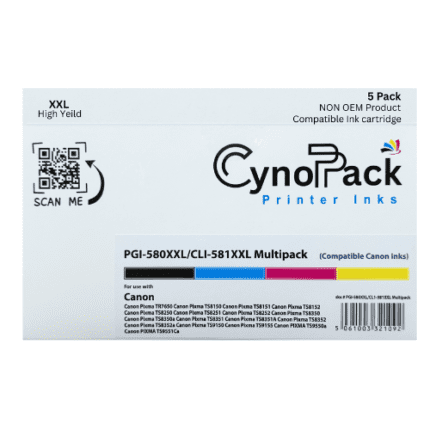
Compatible Canon 580XXL/581XXL Ink Cartridge (Pack of 5 Inks)
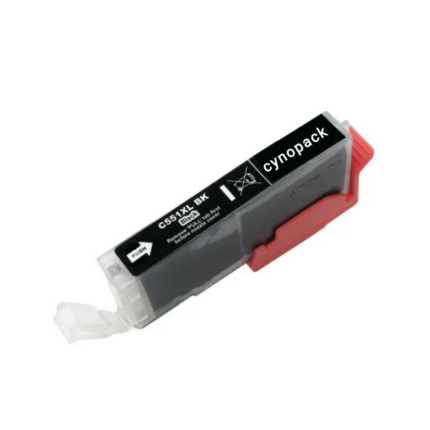
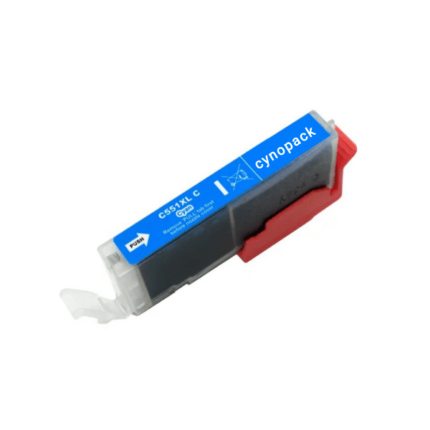
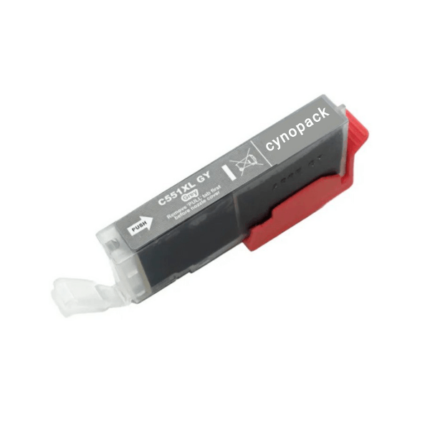
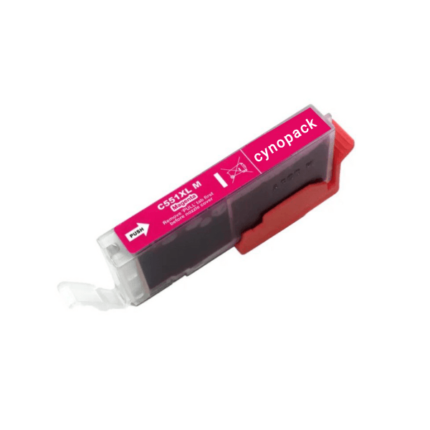
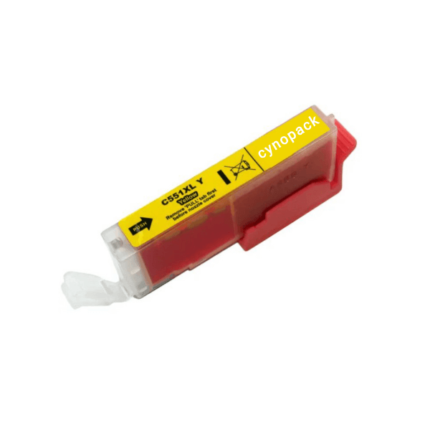
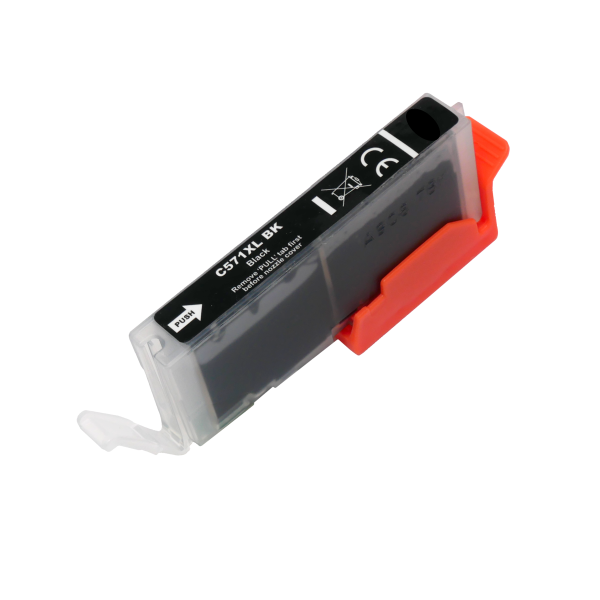
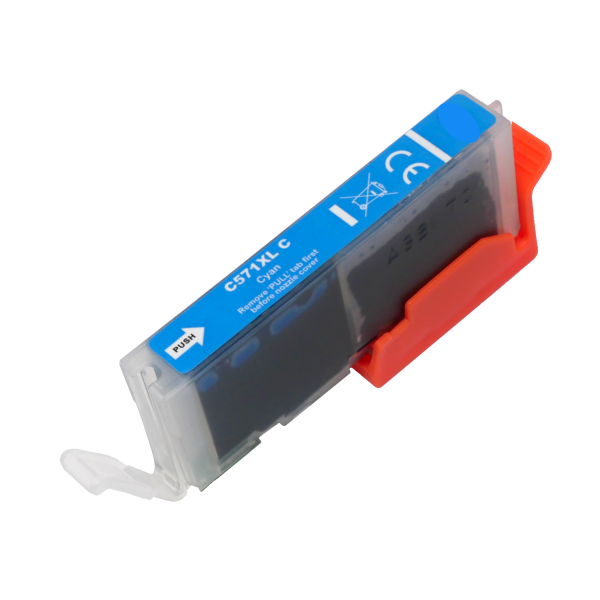
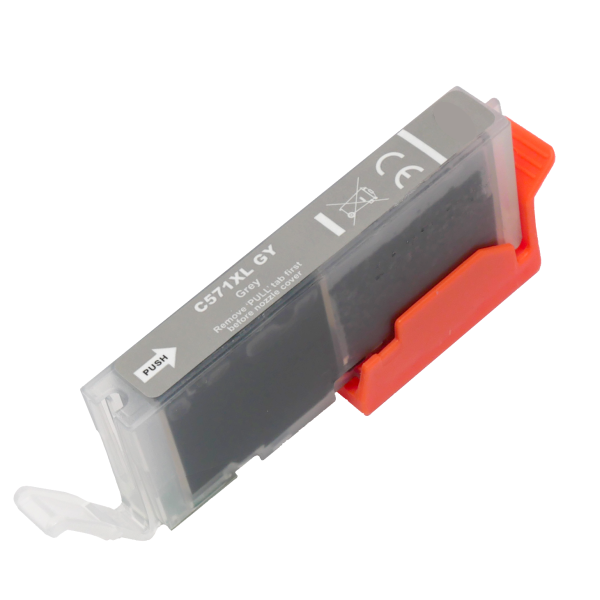
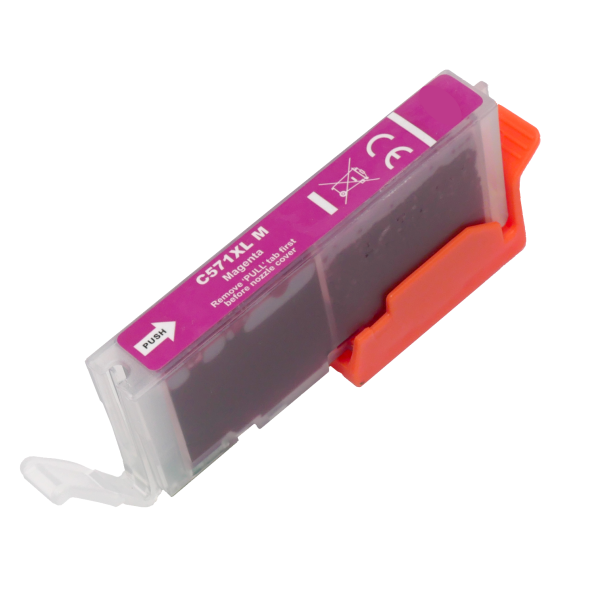
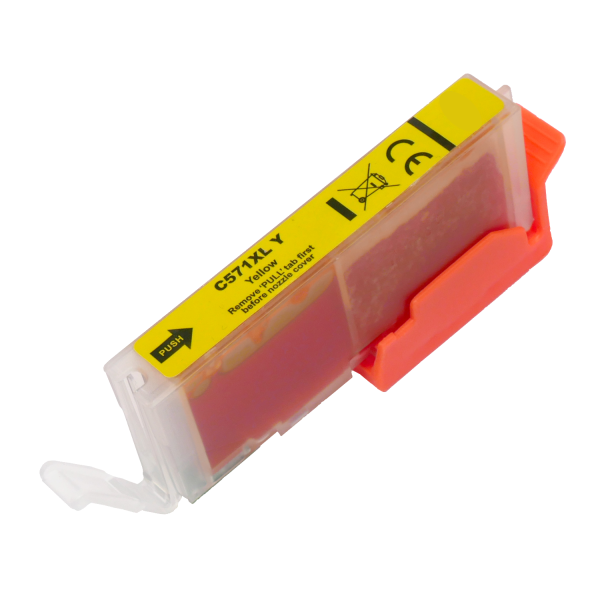
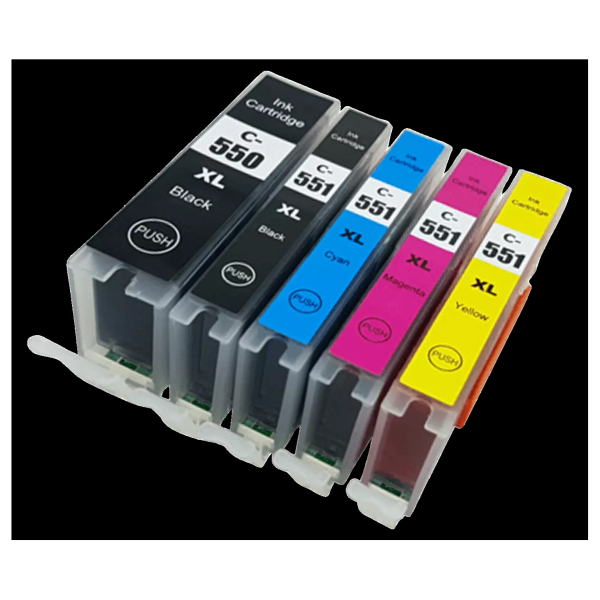
Compatible Canon PGI-550XL / CLI-551XL Ink Cartridges Multipack (Set of 5)
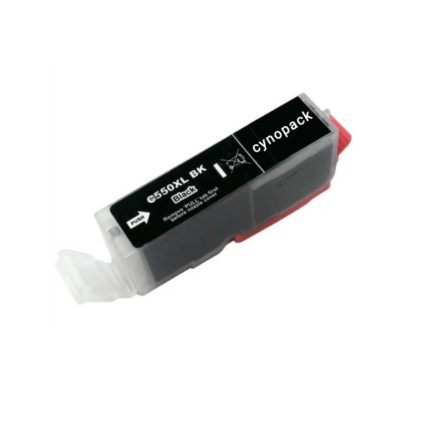
Compatible Canon PGI-550XL Black Ink Cartridge
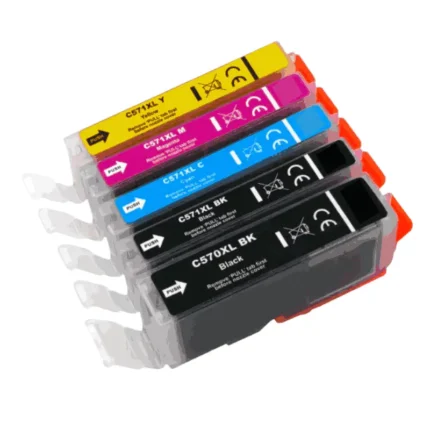
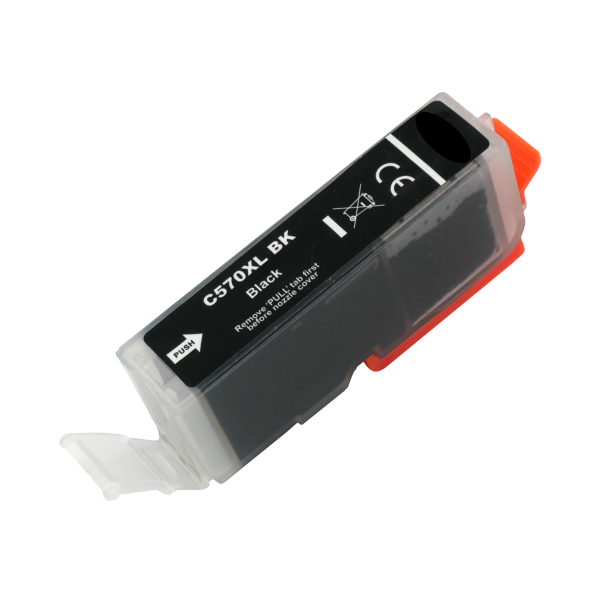
Compatible Canon PGI-570xl / CLi-571xl Ink Cartridges Multipack (Set of 5)
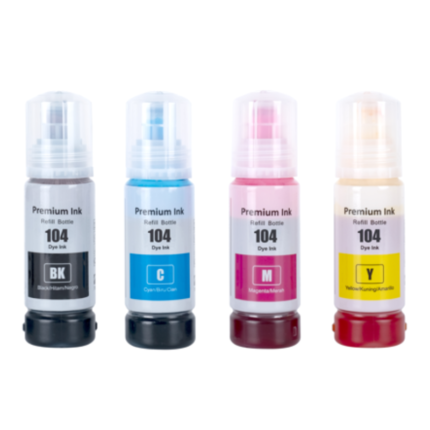
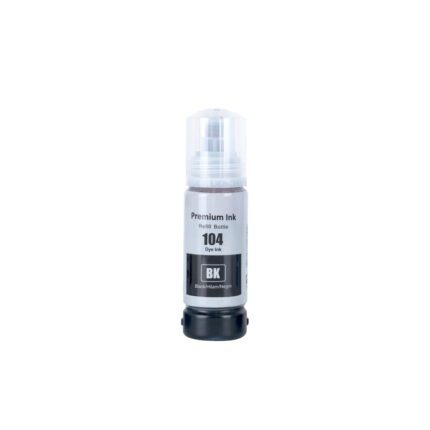
Compatible Epson 104 Ink Bottles Multipack (4 Pack) — EcoTank
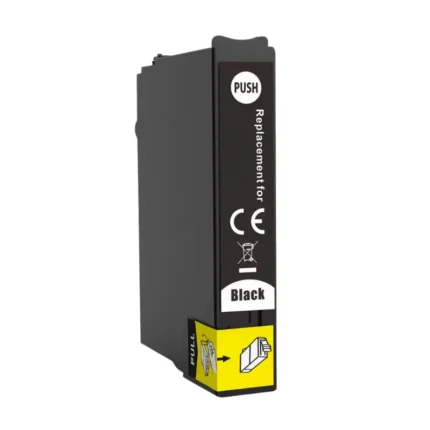
Compatible Epson 18xl Black Ink Cartridge – T1811
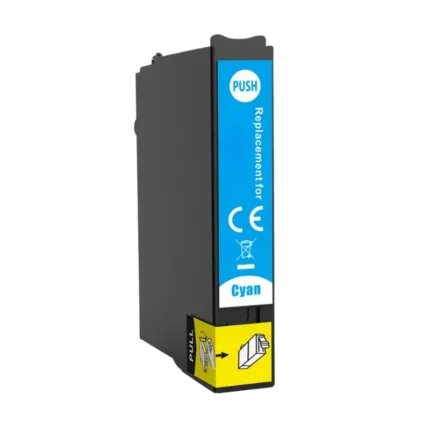
Compatible Epson 18XL Cyan Ink Cartridge – T1812


&url=https://cynopack.com/product/compatible-brother-lc3219xl-ink-cartridges-multipack-set-of-4/&media=https://cynopack.com/wp-content/uploads/2024/07/Compatible-Brother-LC3219xl-Ink-Cartridges-Multipack-Set-of-4-2.webp)


&url=https://cynopack.com/product/cynopack-compatible-canon-580xxl-581xxl-5-pack-ink-cartridge-high-yield-pgi-580xxl-cli-581xxl-for-canon-pixma-printers-non-oem/&media=https://cynopack.com/wp-content/uploads/2025/08/canon-580xxl-581xxl.png)


&url=https://cynopack.com/product/compatible-canon-pgi-550xl-cli-551xl-ink-cartridges-multipack-set-of-5/&media=https://cynopack.com/wp-content/uploads/2024/09/Compatible-Canon-PGI-550XL-CLI-551XL-Ink-Cartridges-Multipack-Set-of-5.svg)

&url=https://cynopack.com/product/compatible-canon-pgi-570xl-cli-571xl-ink-cartridges-multipack-set-of-5/&media=https://cynopack.com/wp-content/uploads/2024/07/Compatible-Canon-570751-MP_11zon.webp)

%20—%20EcoTank&url=https://cynopack.com/product/compatible-epson-104-ink-bottles-multipack/&media=https://cynopack.com/wp-content/uploads/2026/04/Compatible-Epson-104-Ink-Bottles-Multipack-4-Pack-—-EcoTank.png)


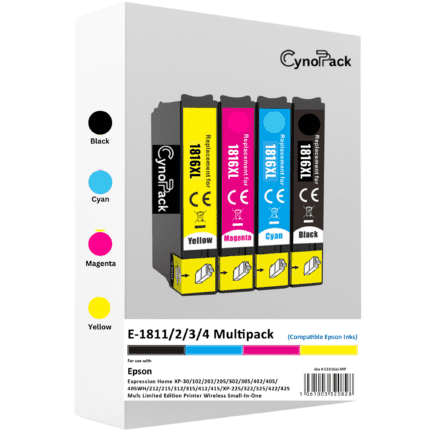
&url=https://cynopack.com/product/compatible-epson-18xl-high-capacity-printer-ink-cartridge-multipack-t1816-set-of-4/&media=https://cynopack.com/wp-content/uploads/2024/09/18xl-2000-x-2000-P1-800x800.png)
Compatible Epson 18xl Ink Cartridges Multipack – T1816 Daisy (4 Colours)
- In stock – Free UK delivery
- Complete set of four high-capacity Epson 18XL cartridges
- Contains black, cyan, magenta and yellow
- Replaces T1811, T1812, T1813, T1814 and T1816
- Compatible with selected Epson Expression Home printers
- Backed by 2 Year of Cynopack Shelf life Guarantee
- Order today for dispatch within one working day
Affordable Compatible Ink Cartridges in the UK
Printer ink is an essential purchase, but replacing cartridges does not need to be unnecessarily expensive. Cynopack offers a growing selection of compatible ink cartridges in the UK, providing a practical alternative to original-brand cartridges for home, educational and business printing.
Our collection includes ink cartridges for selected Brother, Canon, Epson and HP printers. Choose from individual black, cyan, magenta, yellow and grey cartridges or purchase a multipack containing the colours required by your printer.
Every printer uses a particular cartridge family, so finding the correct number is essential. Use the category filters, search by cartridge reference or check the compatibility list on each product page before ordering.
Shop Ink Cartridges by Printer Brand
Finding the correct printer ink is easier when you begin with the manufacturer of your printer.
Brother Ink Cartridges
Our Brother ink cartridges include compatible individual colours and multipacks for selected Brother inkjet printers.
Brother printers commonly use separate black, cyan, magenta and yellow cartridges. This individual-cartridge system allows you to replace only the colour that has run out rather than discarding the remaining ink.
Check the full Brother cartridge number, including any XL suffix, against your printer manual or the cartridge already installed.
Canon Ink Cartridges
Browse Canon ink cartridges for selected Canon PIXMA printers. Available options include individual black and colour cartridges as well as multipacks containing several cartridges.
Some Canon printers use two black cartridges: a pigment black cartridge for text and a separate photo black cartridge for images. Certain photo-printing models may also use grey ink. Make sure the multipack contains every cartridge required by your particular printer.
Canon cartridge numbers can look very similar. For example, CLI-551XL and CLI-571XL belong to different printer ranges and are not interchangeable. Always check the complete reference before ordering.
Epson Ink Cartridges
Our Epson ink cartridges include compatible cartridges and multipacks for selected Epson Expression Home, WorkForce and other supported printers.
Epson often uses names or images, such as Daisy or Starfish, to help customers identify cartridge families. However, you should still confirm the printed cartridge number because similar-looking packages may fit completely different printers.
Customers looking for the Daisy range can explore our dedicated Epson 18 and 18XL ink-cartridge collection, including individual colours and the T1816 four-colour multipack.
HP Ink Cartridges
Browse our HP ink cartridges for selected HP printers. Check the cartridge number carefully because HP printers may use different cartridge ranges in the UK and other countries.
The printer model alone may not always be enough to confirm compatibility. Compare the required cartridge number with the number shown on the product page before completing your order.
What Are Compatible Ink Cartridges?
Compatible ink cartridges are newly manufactured cartridges produced for use with selected printer models. They are designed as alternatives to cartridges sold by the original printer manufacturer.
A compatible cartridge should not be confused with a remanufactured cartridge. A remanufactured cartridge generally uses an original empty cartridge body that has been cleaned, tested and refilled, whereas a compatible cartridge is produced as a new replacement product.
Cynopack compatible cartridges are not manufactured by, sponsored by or affiliated with Brother, Canon, Epson or HP. Printer and cartridge names are used only to help customers identify compatibility.
Standard vs XL Ink Cartridges
Many printer cartridge families are available in standard and XL versions.
| Cartridge type | Ink capacity | Replacement frequency | Best suited to |
|---|---|---|---|
| Standard cartridge | Lower capacity | More frequent replacement | Occasional home printing |
| XL cartridge | Higher capacity | Less frequent replacement | Regular home, study or office printing |
An XL cartridge is designed to contain more ink and usually offers a higher page yield than the standard version. It does not necessarily have a larger external body; in many ranges, both versions fit the same cartridge slot.
XL cartridges can provide better value for customers who print regularly. However, you must confirm that the XL version is listed as compatible with your printer.
Individual Ink Cartridges or Multipacks?
The right choice depends on the cartridges already installed in your printer.
Choose an individual cartridge when:
- Only one colour has run out
- The remaining cartridges still contain enough ink
- You use one colour more frequently than the others
- You want to keep a spare black cartridge available
Choose an ink-cartridge multipack when:
- Several colours are running low
- You are installing a complete replacement set
- You print regularly and want spare cartridges available
- The multipack offers better overall value
- You want to avoid ordering each colour separately
Before purchasing a multipack, check exactly what it contains. Four-colour sets normally include black, cyan, magenta and yellow, while some Canon printers require five or six cartridges.
How to Find the Correct Ink Cartridge
The safest way to find replacement printer ink is to check both the printer model and cartridge number.
1. Check the cartridge already installed
Open the printer’s cartridge compartment using the manufacturer’s recommended procedure. The reference number is normally printed on the cartridge label.
Do not move the cartridge holder manually. Use the printer’s maintenance menu or cartridge-replacement button to bring it into the correct position.
2. Check the printer manual
The manual or manufacturer’s support page should list the standard and high-capacity cartridges accepted by your model.
3. Search using the complete cartridge number
Include all letters, numbers and suffixes. For example, searching for “Epson 18XL T1816” is more accurate than searching only for “Epson ink.”
4. Read the product compatibility list
Each Cynopack product page provides a list of compatible printers. Confirm that your exact printer model appears before placing your order.
If you are unsure, contact Cynopack with your printer’s complete model number before purchasing.
Why Cartridge Numbers Matter
Printer cartridges are not universal. Two cartridges from the same brand may look almost identical but contain different chips, fittings or ink formulations.
Common ordering mistakes include:
- Confusing Canon CLI-551XL with CLI-571XL
- Ordering Epson 603XL instead of Epson 604XL
- Selecting an American HP cartridge number for a UK printer
- Assuming every cartridge marked “XL” fits the same printer
- Choosing a multipack that does not contain all the colours required
- Relying on the printer brand without checking its model
Taking a minute to confirm the reference number can prevent installation problems, returns and delays.
What Do Black, Cyan, Magenta and Yellow Mean?
Most colour inkjet printers create printed images using four main ink colours:
- Black (BK): text, outlines and darker image areas
- Cyan (C): blue and green tones
- Magenta (M): red, pink and purple tones
- Yellow (Y): yellow, orange and warmer tones
Some photo printers use additional cartridges such as photo black, grey, light cyan or light magenta to produce a wider tonal range.
The printer normally requires every designated cartridge to be installed, even if you mainly print black documents. Some printers may allow temporary black-only printing when a colour cartridge is empty, but this varies by model and should be treated as a short-term option.
Installing Compatible Printer Ink Cartridges
Installation steps vary between printer models, but the general process is:
- Switch the printer on.
- Open the cartridge access area.
- Use the control panel or ink button to move the holder into position.
- Identify the empty cartridge.
- Remove the old cartridge using its release tab.
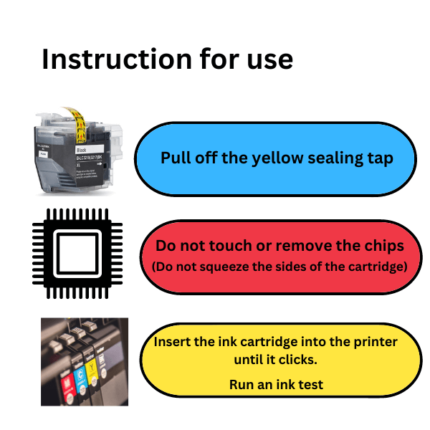
- Prepare the new cartridge according to its instructions.
- Remove only the specified protective strip or tape.
- Insert the cartridge into the matching colour slot.
- Press it down until it clicks securely.
- Close the printer and allow ink charging to finish.
Do not switch off or unplug the printer while it is charging ink. Avoid touching the cartridge chip or ink outlet because dirt, fingerprints or damage may cause recognition and print-quality problems.
What to Do If a Cartridge Is Not Recognised
If your printer does not recognise a newly installed cartridge:
- Confirm the cartridge number is correct
- Make sure it is in the matching colour slot
- Check that the required protective tape has been removed
- Remove and reinstall the cartridge firmly
- Check that it sits level with the other cartridges
- Inspect the electronic chip for dirt or damage
- Allow the printer to complete its ink-charging process
- Restart the printer safely using its power button
Do not force the cartridge, move the holder by hand or repeatedly switch off the printer while its lights are flashing.
If a new cartridge remains unrecognised, contact Cynopack with your order number, printer model, cartridge colour and the error message displayed.
Why Buy Ink Cartridges from Cynopack?
Cynopack provides affordable compatible printing supplies for UK homes, students and businesses.
Benefits of shopping with Cynopack include:
- Compatible cartridges for selected leading printer brands
- Individual colours and multipack options
- Standard and high-capacity cartridges
- Clear printer compatibility information
- Free UK delivery on every order
- UK-based customer support
- Help with cartridge identification and installation problems
Product specifications, page yields, dispatch information and guarantees can vary between cartridge ranges. Check the individual product page for the details applying to your chosen item.
Frequently Asked Questions About Ink Cartridges
Are compatible ink cartridges safe to use?
A correctly manufactured compatible cartridge designed for your exact printer should install and operate without requiring modifications. Always buy the correct cartridge number, follow the installation instructions and contact the retailer if the printer reports an error.
How do I know which ink cartridge my printer needs?
Check the reference number on the installed cartridge, consult the printer manual or search using the complete printer model. Confirm the model against the compatibility list on the product page before ordering.
What is the difference between standard and XL printer ink?
XL cartridges contain more ink and normally produce a higher page yield than standard cartridges. They are often more economical for regular printing, although actual yield depends on page coverage, print settings, maintenance and the type of documents produced.
Can I mix standard and XL ink cartridges?
Many printers allow standard and XL cartridges from the same compatible family to be used together. For example, you may be able to use an XL black cartridge alongside standard colour cartridges. Confirm this for your specific printer and cartridge range.
Can I use different cartridge brands together?
Many printers can operate with a mixture of correctly compatible cartridges, but recognition and ink-level reporting can vary. Each installed cartridge must be designed for the printer and correctly seated in its colour position.
Why does my printer say the cartridge is empty when ink remains?
Inkjet cartridges may retain a small safety reserve when the printer requests replacement. The printer monitors cartridge usage electronically rather than relying on a visual inspection. A little ink remaining inside does not necessarily mean the cartridge can continue printing.
Can I print using only the black cartridge?
This depends on the printer. Some models allow temporary black-only printing under particular settings when a colour runs out, but many require all cartridges to be installed and contain usable ink. Check your printer manual for model-specific instructions.
Why is my new ink cartridge not recognised?
The cartridge may be incorrect, not fully seated, installed in the wrong colour slot or still covered by protective tape. A dirty or damaged electronic chip can also prevent communication. Remove and reinstall the affected cartridge according to the printer instructions.
Should I buy individual cartridges or a multipack?
Buy an individual cartridge when only one colour needs replacing. Choose a multipack when several colours are low, you need a complete set or you want to keep spare ink available.
How should unopened ink cartridges be stored?
Keep cartridges sealed in their original packaging, stored upright in a cool, dry place away from direct sunlight and extreme temperatures. Do not open a cartridge until you are ready to install it.
Buy Compatible Ink Cartridges Online in the UK
Browse Cynopack’s range of compatible ink cartridges for selected Brother, Canon, Epson and HP printers. Compare individual colours, multipacks and XL options, then check the product page to confirm compatibility with your printer.
Choose the correct cartridge number, order online and receive free UK delivery from a UK-based printing-supplies retailer.
Compatible Ink Cartridges
Shop affordable compatible ink cartridges for selected Brother, Canon, Epson and HP printers. Cynopack supplies individual black and colour cartridges alongside convenient multipacks, giving you the flexibility to replace one empty colour or purchase a complete set.
Our range includes standard and high-capacity XL printer ink cartridges for everyday documents, schoolwork, home offices, business printing and colour projects. Use your printer model or cartridge number to find the correct replacement, and always check the compatibility information on the product page before ordering.
Browse our compatible printer ink cartridges below, with free UK delivery available on all orders.